
Order confirmation → coordinated preparation · KDS
Bring the kitchen
into the same rhythm.
Replace scattered preparation instructions with a visible queue. Keep items, modifiers, timing, and station handoffs together as service moves forward.
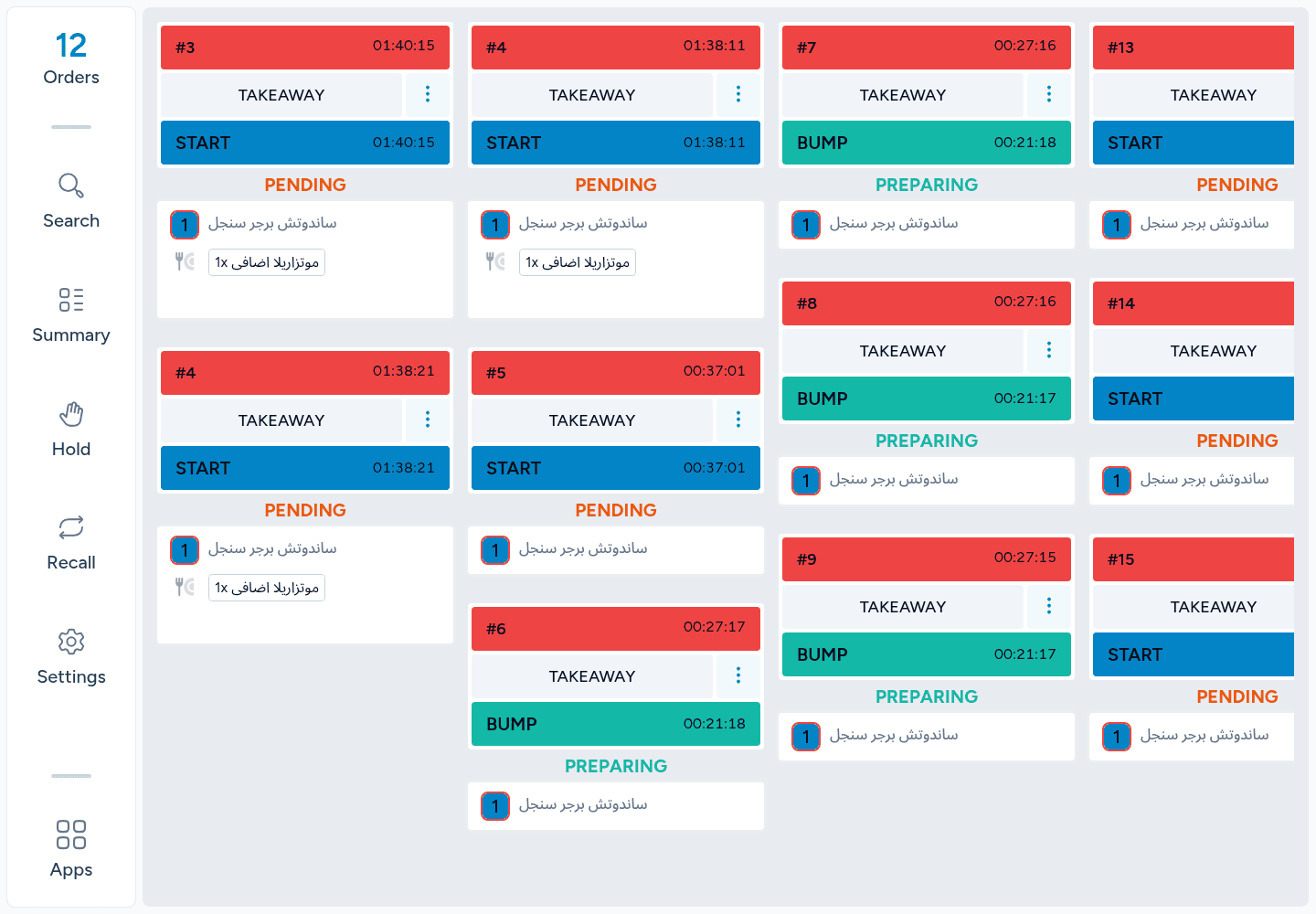
See the next priority
Coordinate the stations
Hand over clearly
The kitchen queue
See the work.
Know what comes next.
Follow the active preparation queue with each order’s items and state visible to the team.
- A shared pictureKeep the work visible on the preparation screen.
- Useful contextOrder type, items, and timing stay close to the instruction.
- Current stateThe board reflects the configured station and staff scope.
Item instructions
Keep the details
with the dish.
Read modifiers and preparation notes beside the item they belong to, so a request does not get lost between taking and preparing the order.
- Parent and modifierKeep supported options associated with the main product.
- Preparation notesShow the recorded instructions where the kitchen works.
- Changes in contextSupported changes remain part of the order and item state.
Preparation workflow
Move work forward
one clear stage at a time.
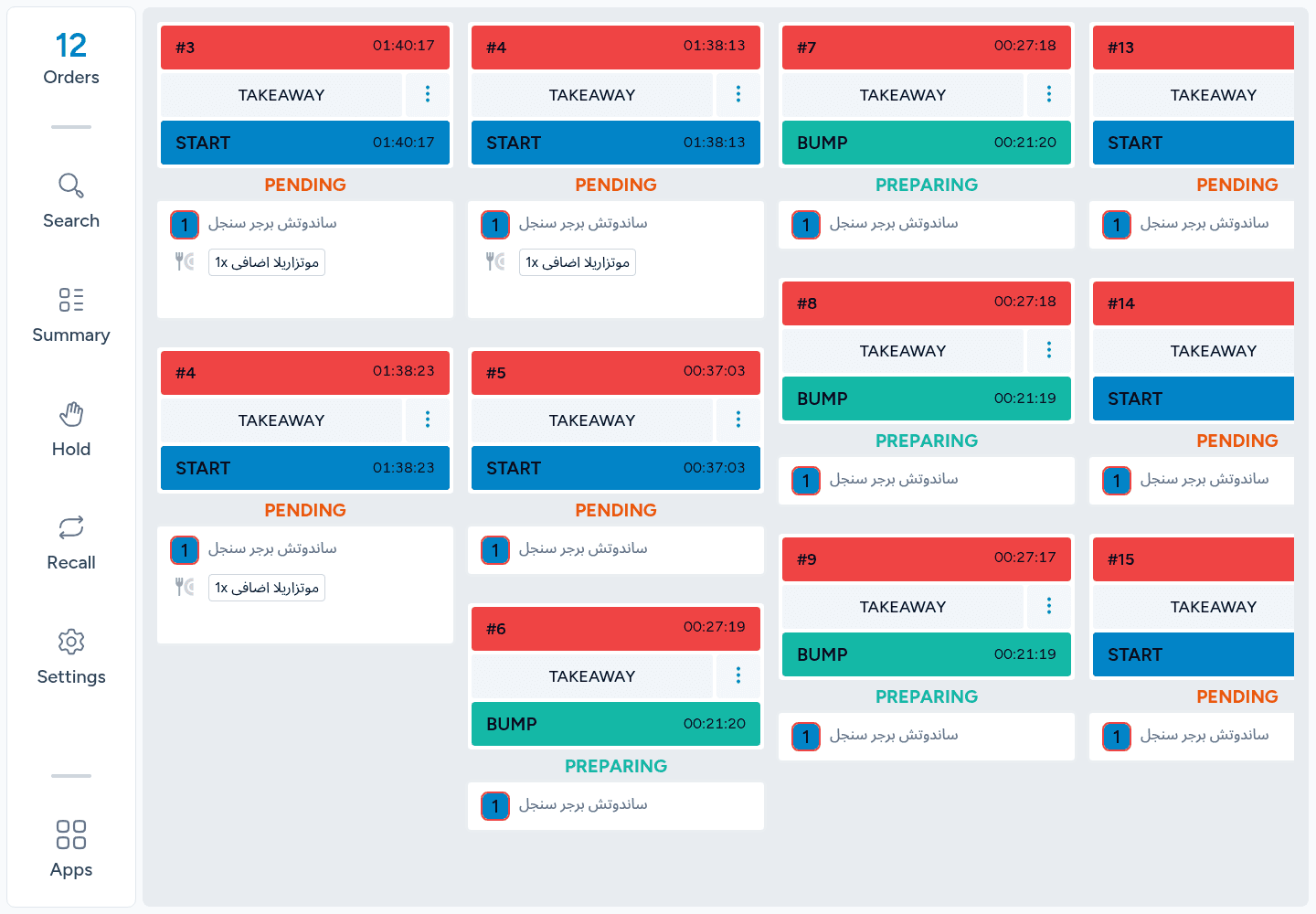
Start preparation, complete the relevant items, and follow the supported transition toward ready-for-pickup.
- Pending to preparingBegin work through the supported action.
- Item or order actionsThe available controls follow the selected grouping and permissions.
- Recorded progressRefresh the saved state when confirming a handoff.
Batch awareness
See the combined demand.
Plan the next batch.
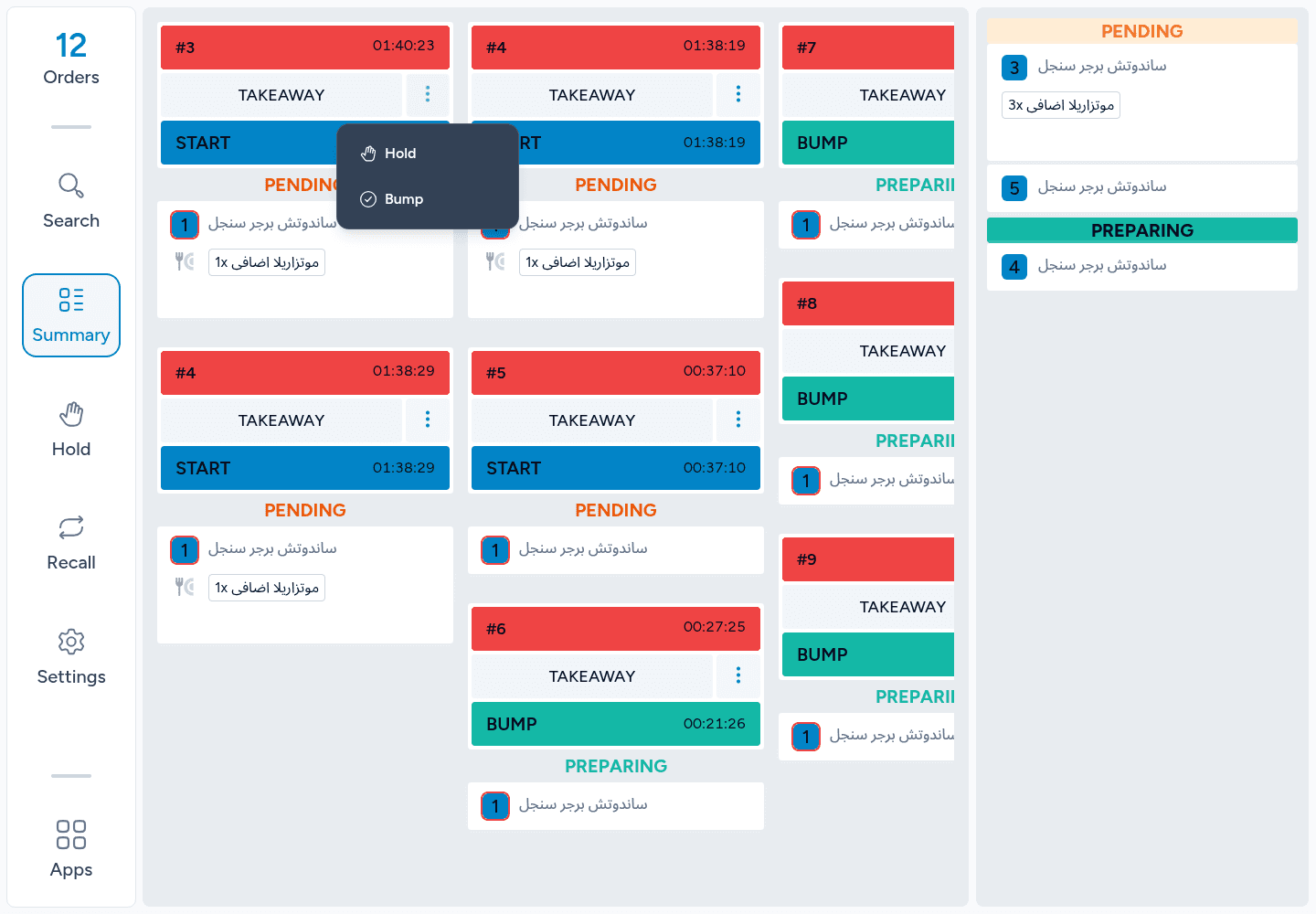
Use the item summary to bring compatible preparation work together without losing the underlying order connection.
- Combined quantitiesSee demand grouped by compatible items.
- Keep differences visibleModifiers and notes affect which work can be grouped together.
- Act within scopeSummary actions still follow the station’s effective permissions.
Preparation timing
Spot the work
that needs attention.
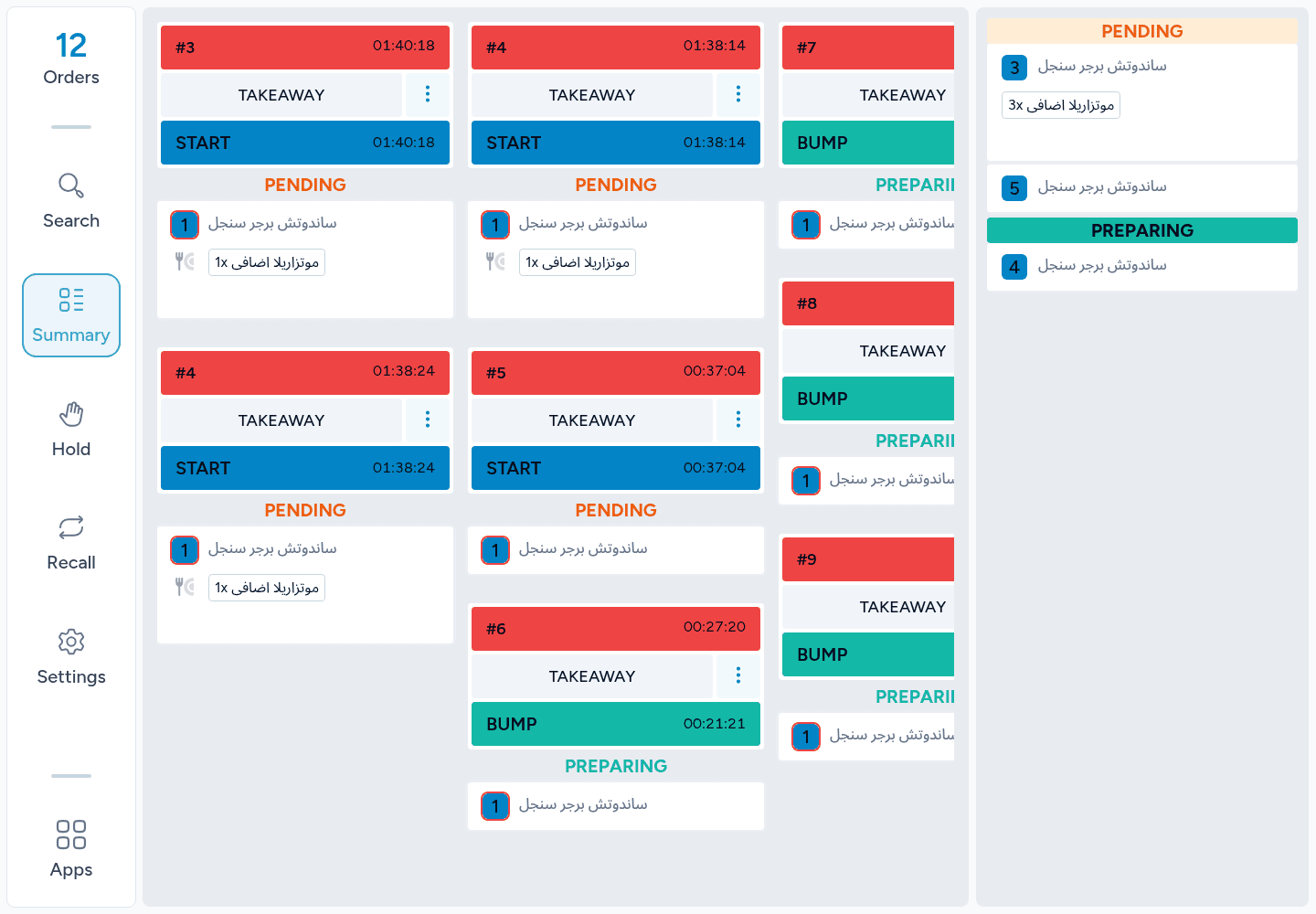
Elapsed time and configured preparation targets make waiting work easier to recognize during a busy service.
- Time in viewFollow the visible age of preparation work.
- Configured thresholdsTiming colors follow supported settings and valid targets.
- Operational contextA timer supports attention; it is not a promised service-time reduction.
Preparation areas
Send the right work
to the right station.
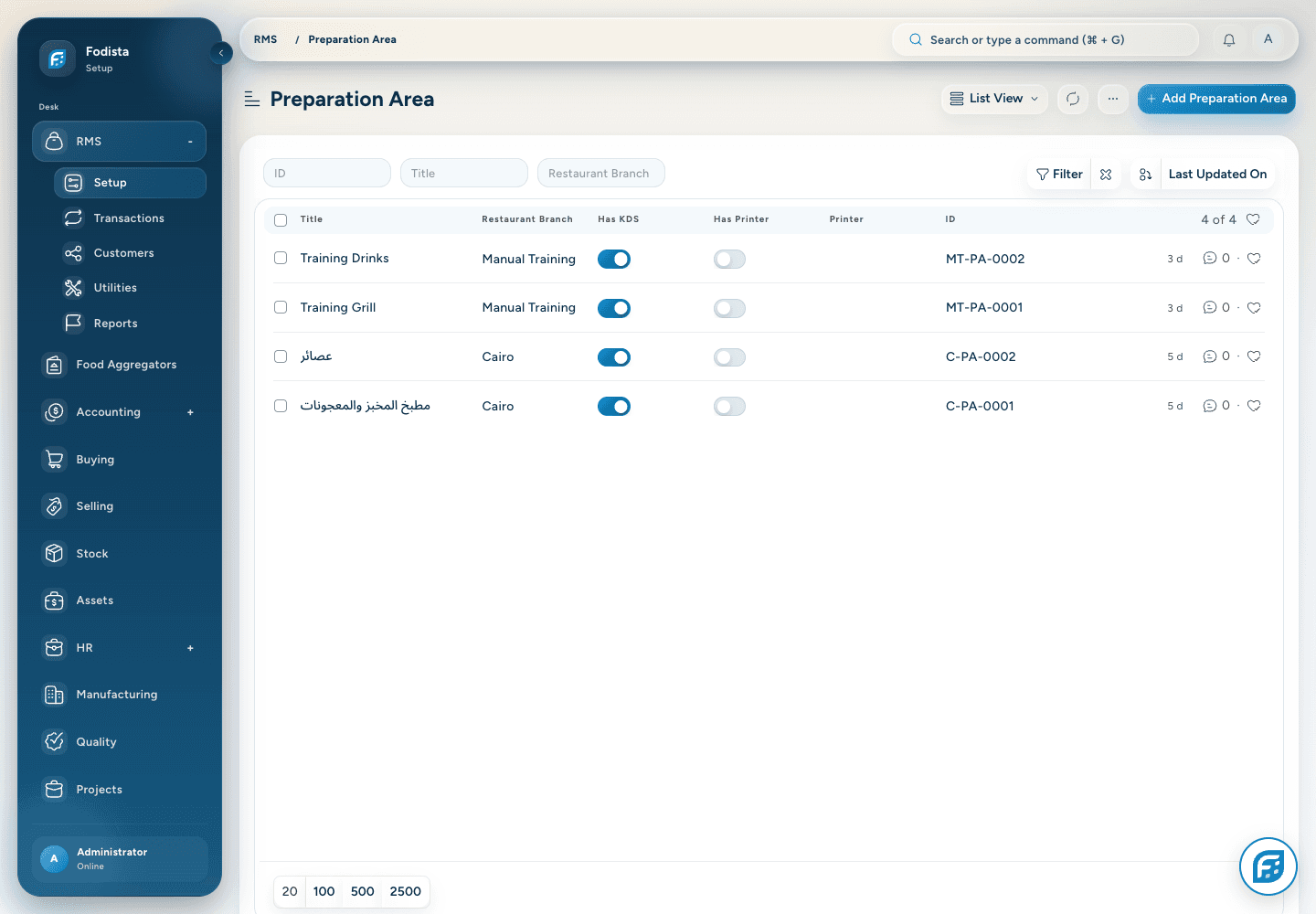
Connect preparation areas, kitchen screens, and the supported assignment policy to organize how orders reach each team.
- Area and screenAssign the screens that serve each preparation area.
- Distribution choicesSupported policies include ordinary assignment, round robin, load balancing, and routing.
- Safe changesReview active kitchen work before changing routing rules.
Screen setup
Fit the screen
to the way your team works.
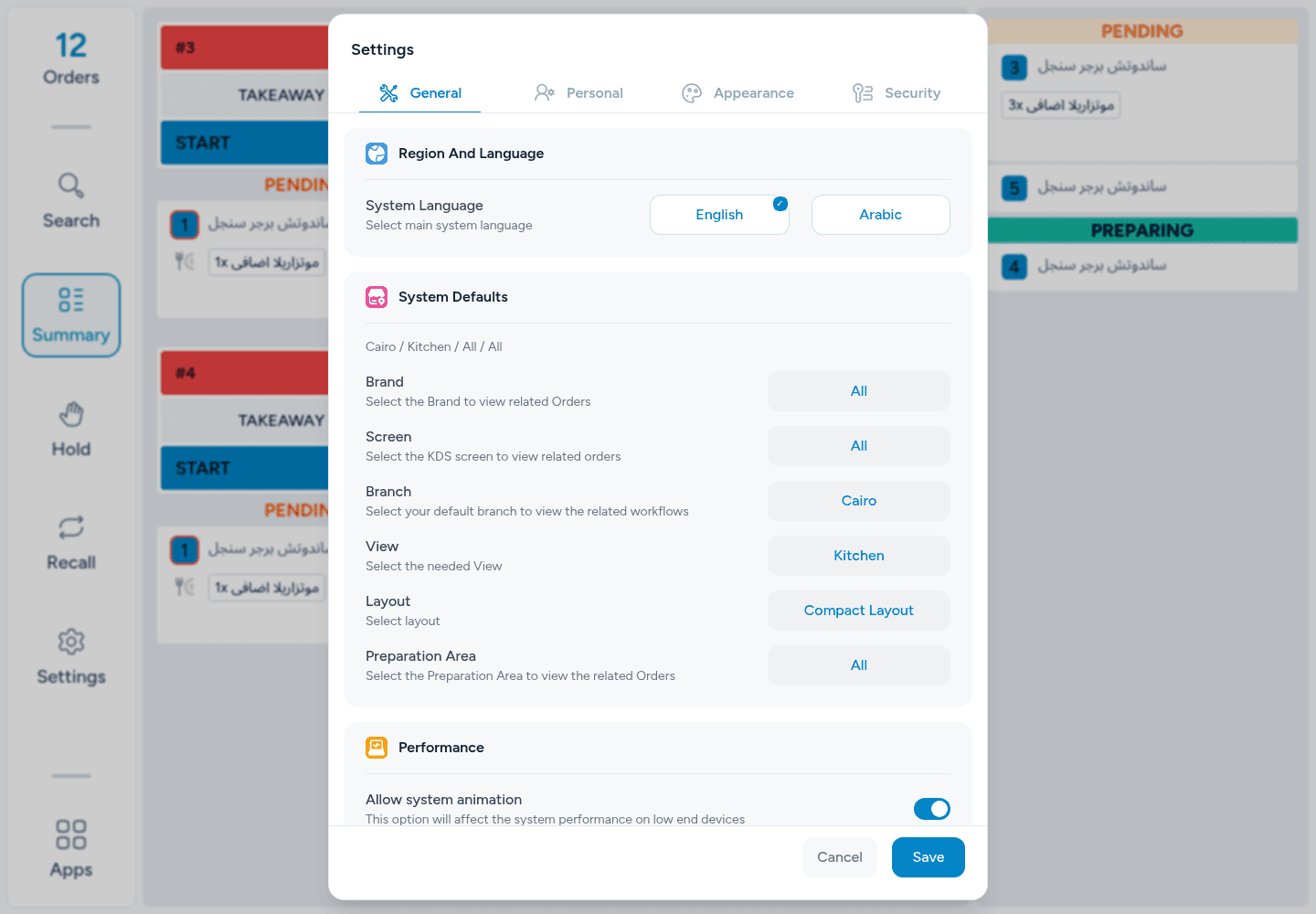
Use the available grouping, layout, appearance, and display preferences for the kitchen station’s role.
- Choose the viewUse an appropriate order or item grouping.
- Readable at the stationSelect a supported layout and display size.
- Saved preferencesSupported user/device settings determine the effective screen.
Pickup handoff
Make ready work
easy to recognize.
Use the supported pickup and order-status views to communicate which orders have reached the next service stage.
- Ready for pickupKeep completed preparation separate from work still being prepared.
- A shared order referenceUse the same order identity during handoff.
- Role-specific displaysPickup and order-status views follow their configured access and device context.
Service recovery
Handle a pause
without losing the order.
Use permitted hold and recall actions to manage work that needs a controlled pause or a return to preparation.
- Hold when permittedPause work through the supported action.
- Recall ready workReturn eligible work using the recall flow.
- Preserve historyKeep status transitions connected to the same preparation record.
Kitchen reporting
Turn preparation history
into a useful review.
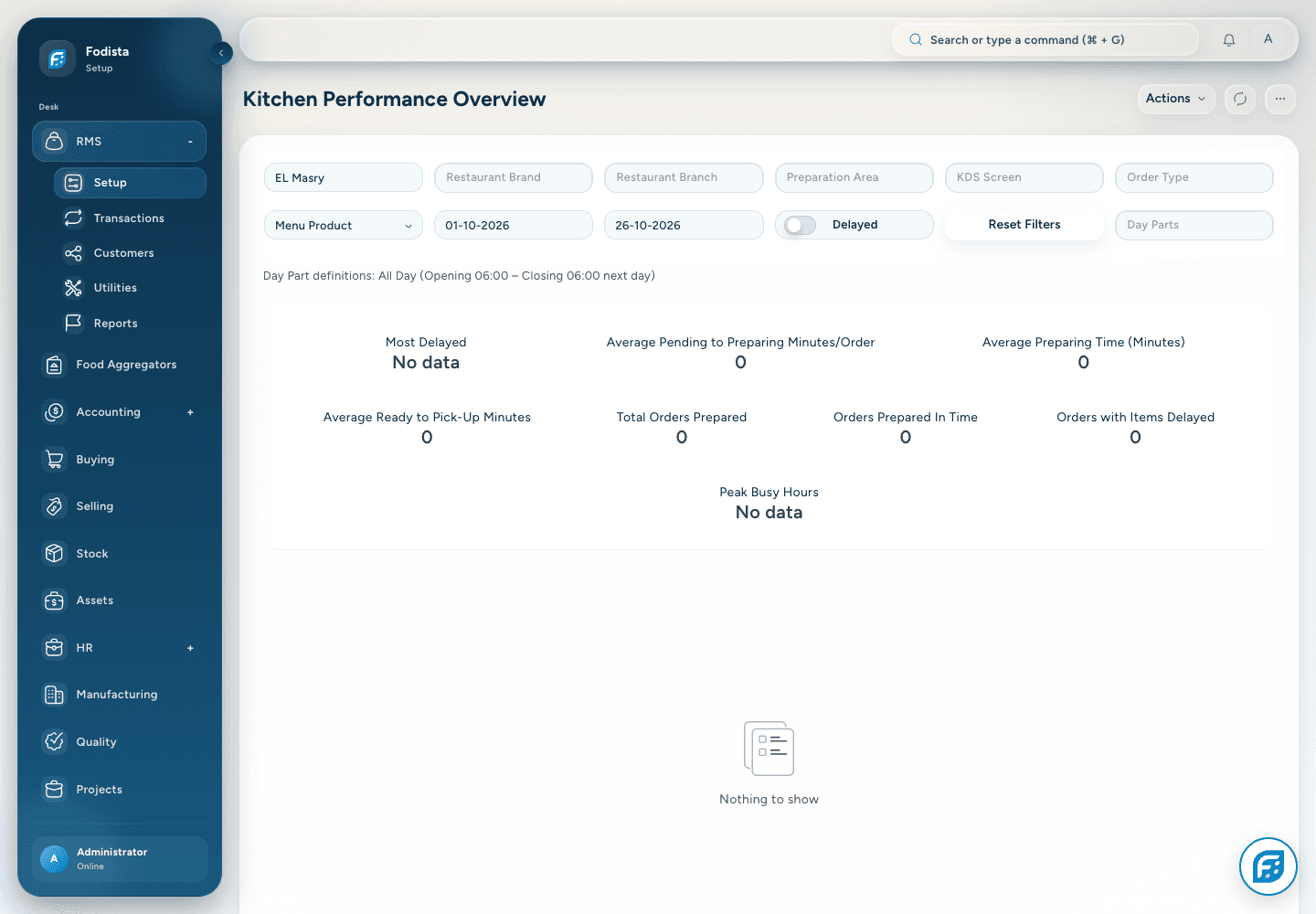
Use Kitchen Performance Overview to review completed kitchen work under the selected date, station, and product filters.
- Completed workThe report uses eligible completed preparation records.
- Useful breakdownsCompare the available product, order, kitchen-order, or screen groupings.
- Interpret the sampleEmpty or small demo samples do not measure customer kitchen performance.
CONNECTED WITH FODISTA
A clearer kitchen. A connected service.
Connect confirmed items to preparation and pickup, while keeping the order’s financial completion in its own workflow.
Product screens show demonstration data. Available workflows depend on your configuration and permissions.