
Digital QR code menu · QR Menu
Your menu.
Ready for every guest.
Give guests a visual menu they can explore from a QR code, with clear product information, choices and prices in their browser.
Make discovery easier
Explain the choice
Update without reprinting
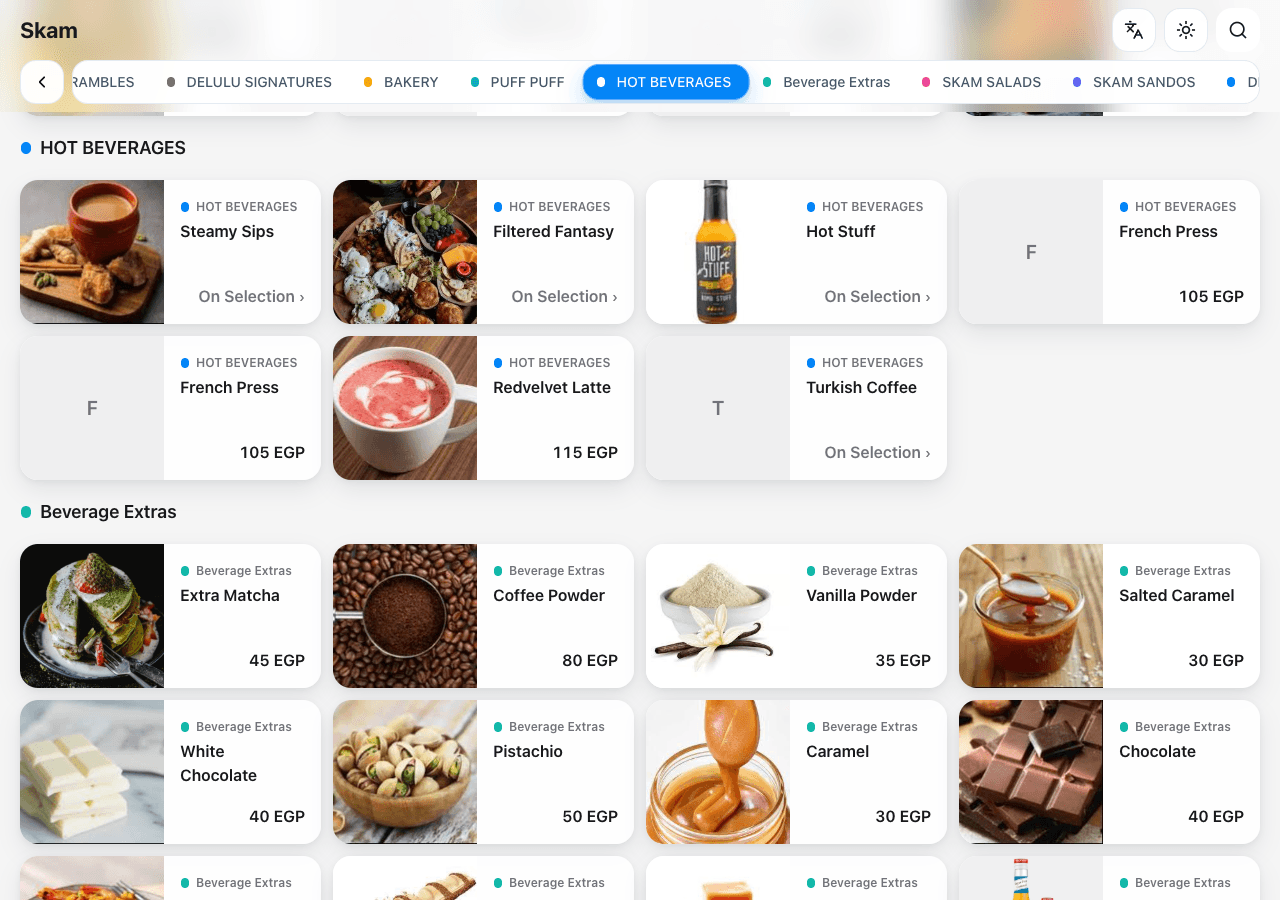
Visual browsing
A clear menu.
From the first scan.
Help guests move through categories and search for the dish they want, with photography and product descriptions close to the choice.
Product information
Every dish.
A clearer decision.
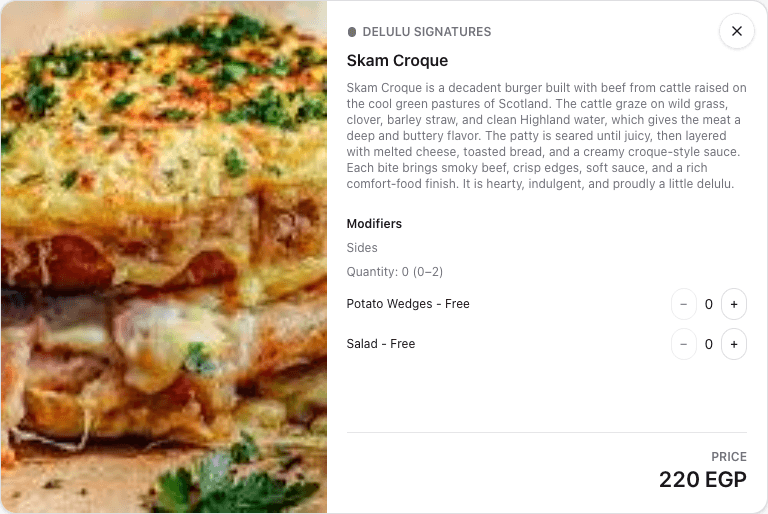
Present the available options, additions and their prices together. Keep maintained dietary information close to the product it describes.
A familiar experience
Welcome more guests.
In their language.
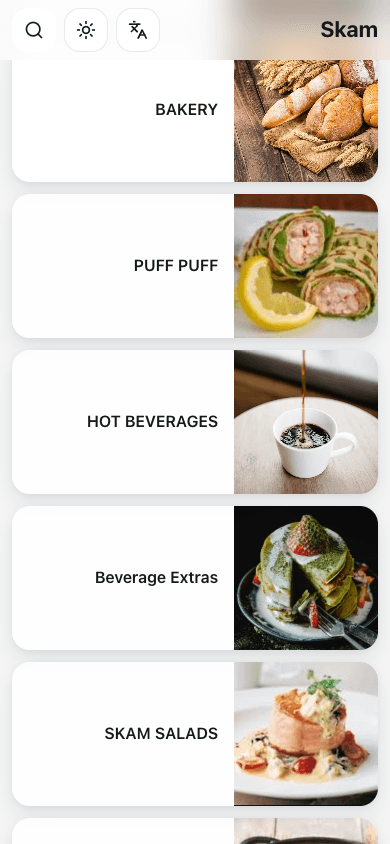
Let guests browse in Arabic or English, with a comfortable presentation across phones and larger screens.
A connected menu
Keep the menu current.
Keep the same QR.
Maintain menu content in Fodista and keep the public experience connected to your products and pricing, without reprinting every menu change.
From the menu to the table
The scan stays familiar. The menu stays current.
CONNECTED WITH FODISTA
Make the menu part of the welcome.
Help guests discover, understand and discuss their choice. Give your team a maintained public menu that belongs to the same Fodista setup as the rest of your operation.
Product screens show demonstration data. Available workflows depend on your configuration and permissions.