
Restaurant setup → operating control · RMS
Run the restaurant.
Connect the whole operation.
Bring the menu, the team, the branches, and the operating rules together, with a clear line from everyday service to cost and financial review.
Set the standard
Coordinate the branches
Review the result
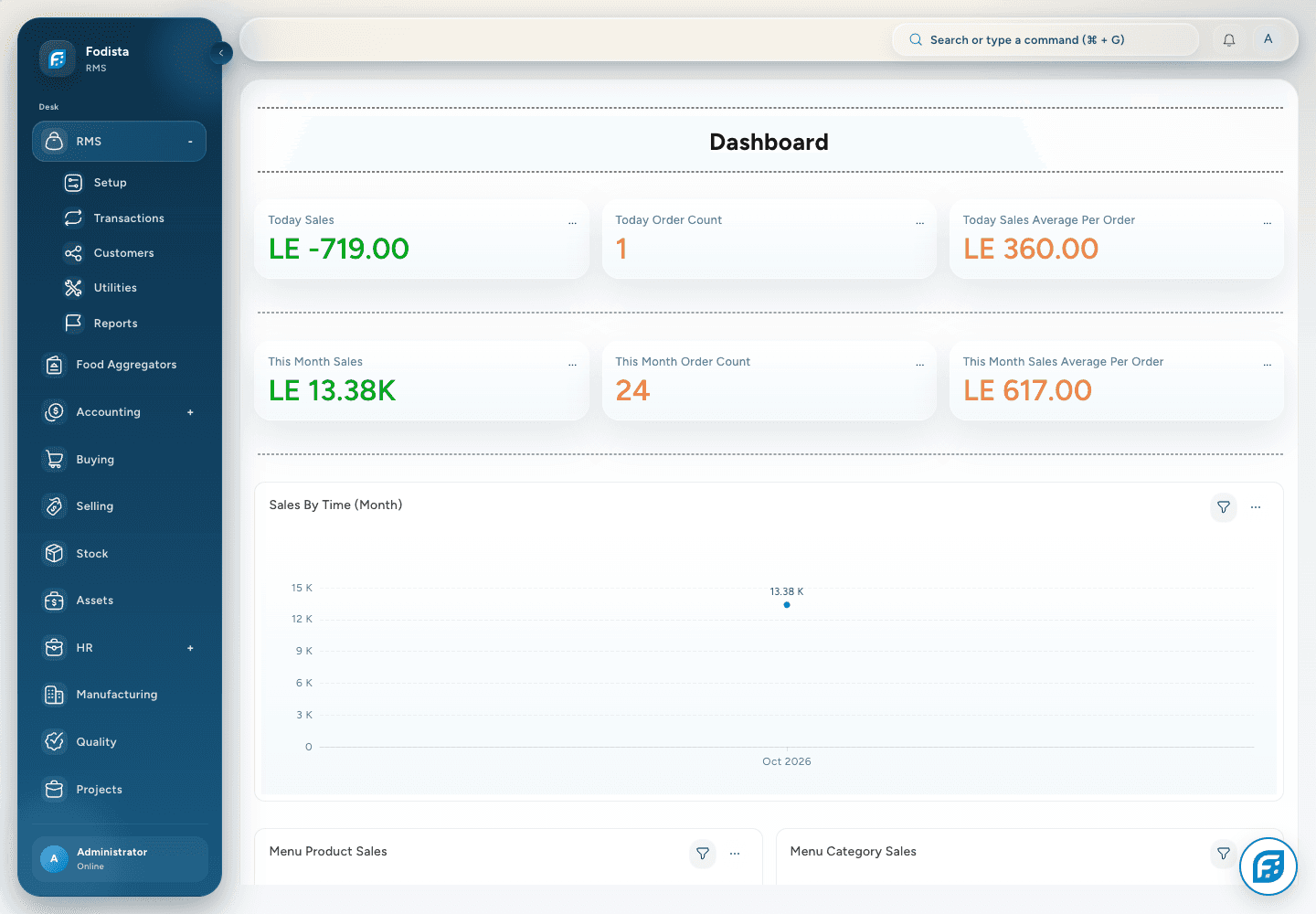
Operating overview
Start with the day.
See the wider picture.
Review sales, order activity, and the available operating charts in the restaurant workspace.
- A period in contextRead each figure with its period and filter.
- Operating signalsUse the supported order and sales views to choose the next question.
- Financial connectionFollow important differences into the underlying records.
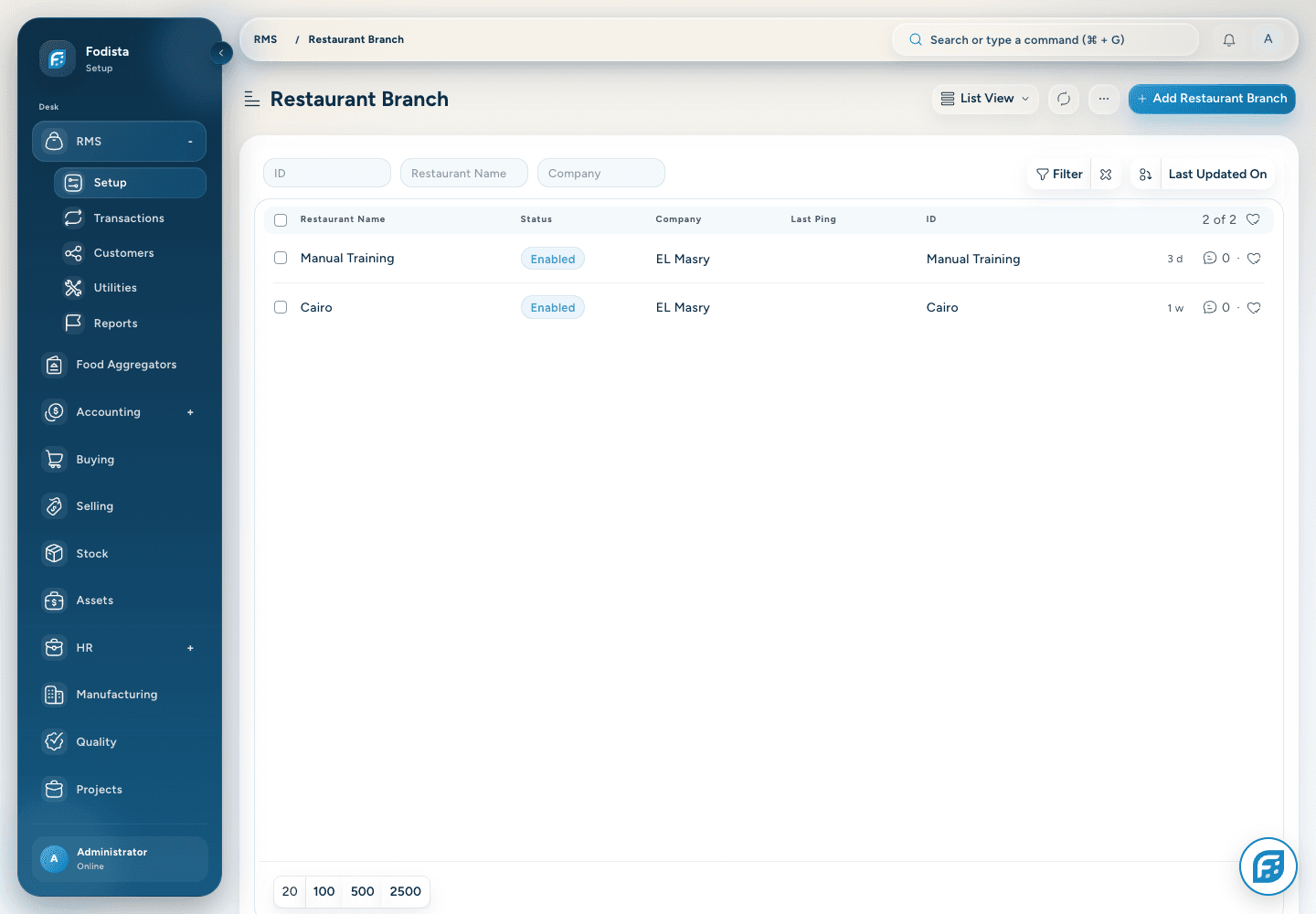
Brands and branches
Keep each branch distinct.
Keep the setup connected.
Organize restaurant brands and branches with the company, service, and availability settings that support each location.
- A defined locationKeep the branch’s identity and company context together.
- Shared standardsReuse the operating configuration where appropriate.
- Local requirementsReview the settings that differ by branch.
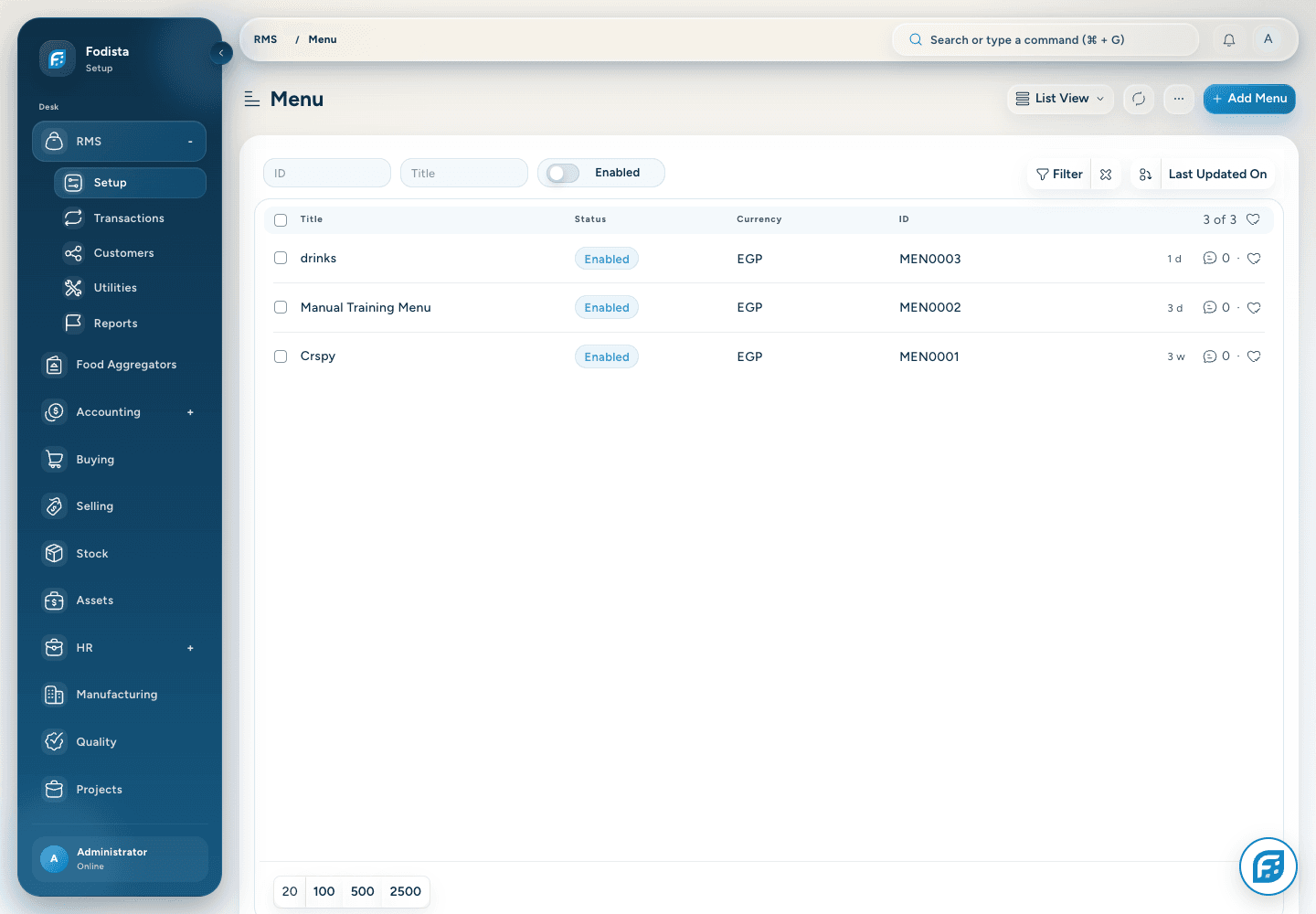
Menu structure
Give the menu
a consistent foundation.
Connect menus, categories, products, and selling context so each channel starts from the intended offer.
- Menu choicesMaintain the menu available to the relevant restaurant context.
- Clear organizationUse categories and product details to organize the offer.
- Enabled contextCheck the effective menu and availability settings before launch.
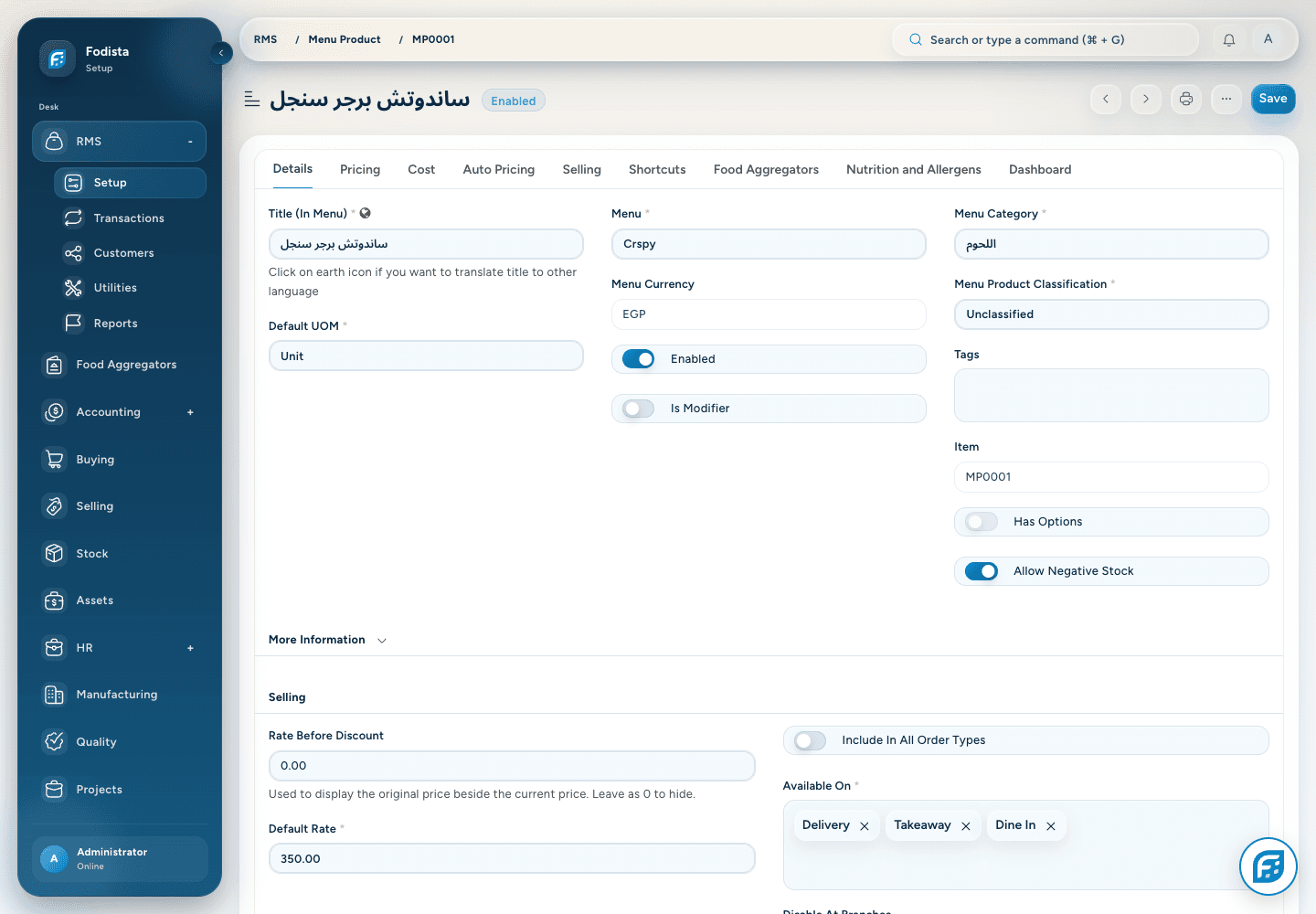
Products and options
Define what you sell.
Explain how it is served.
Maintain product identity, modifiers, preparation information, and the supported selling rules in one configuration.
- Product detailsKeep the title, category, and selling context aligned.
- ModifiersUse supported option groups and relationships.
- Preparation contextConnect the product to the operating information needed downstream.
Recipes and costing
Connect the item
to its ingredients and cost.
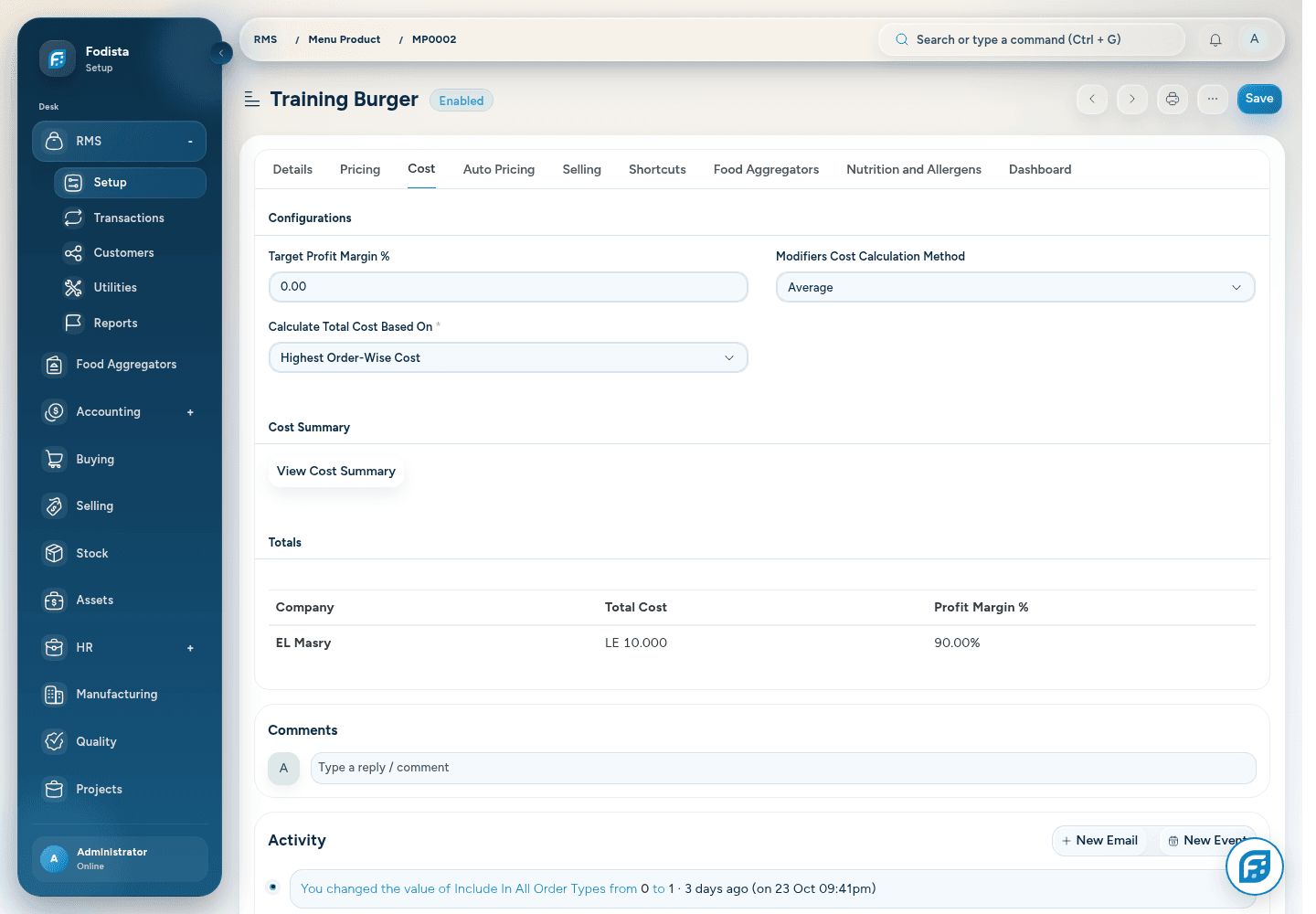
Use configured product and recipe information to relate what is sold to stock consumption and menu economics.
- Ingredient structureMaintain the supported recipe and unit relationships.
- Cost contextReview the current cost basis before a pricing decision.
- Operational effectConfigured transactions determine the related stock and accounting effects.
Prices and promotions
Make the price
match the offer.
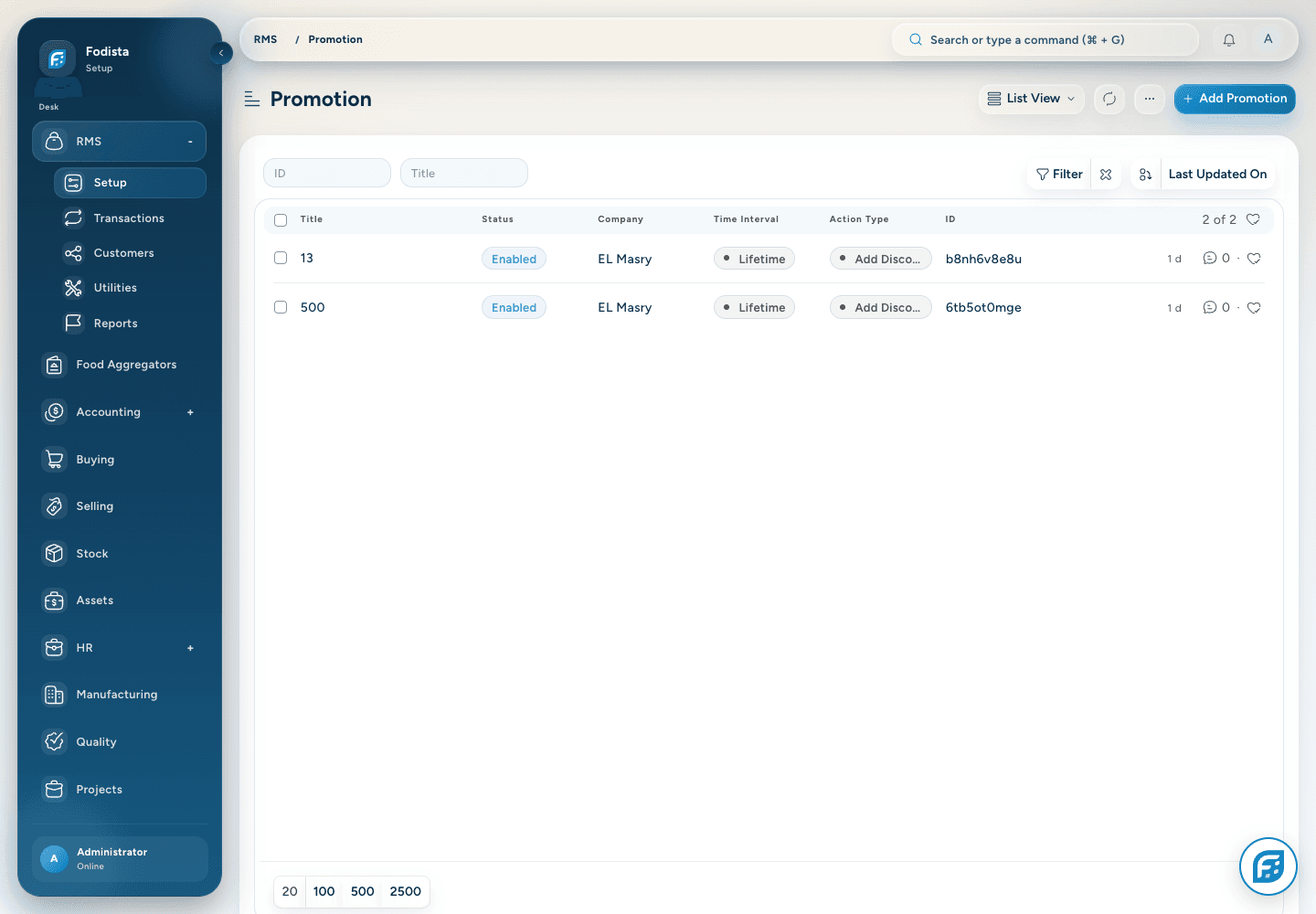
Maintain applicable price lists, promotions, and discount rules for the way the restaurant sells.
- Selling pricesReview the menu and channel context of the rate.
- Offer conditionsCheck dates, products, limits, and combinations.
- Protect clarityTest the final payable amount before advertising the offer.
Service types and sources
Different ways to order.
One clear set of rules.
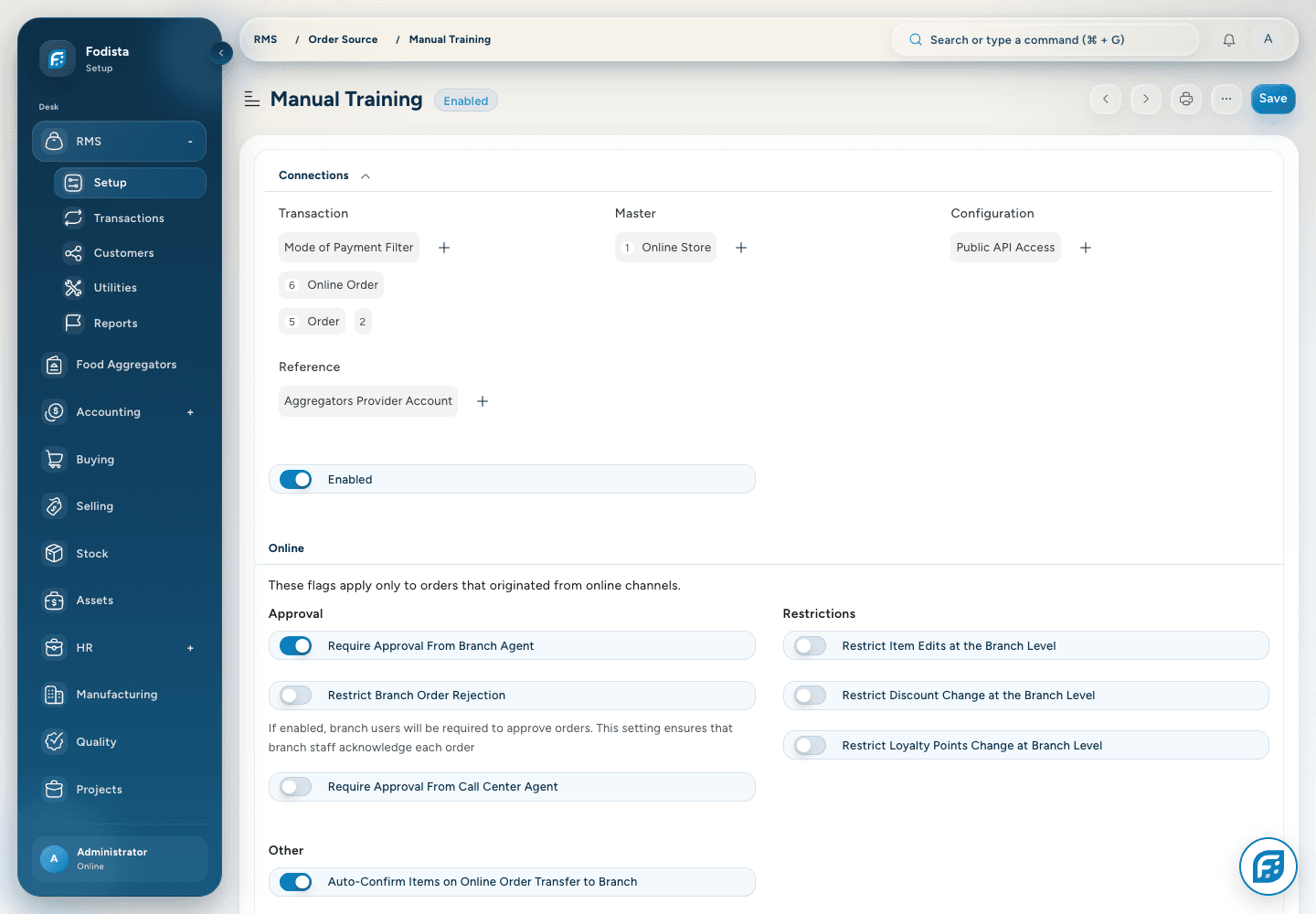
Use order types and sources to define the requirements and confirmation path for each service flow.
- Service requirementsDelivery, dine-in, takeaway, and reservations can require different details.
- Source policyConfigure the appropriate confirmation and branch handling.
- Useful reportingRetain source and type as context for the resulting activity.
Tables and fulfillment
Keep service
connected to the floor.
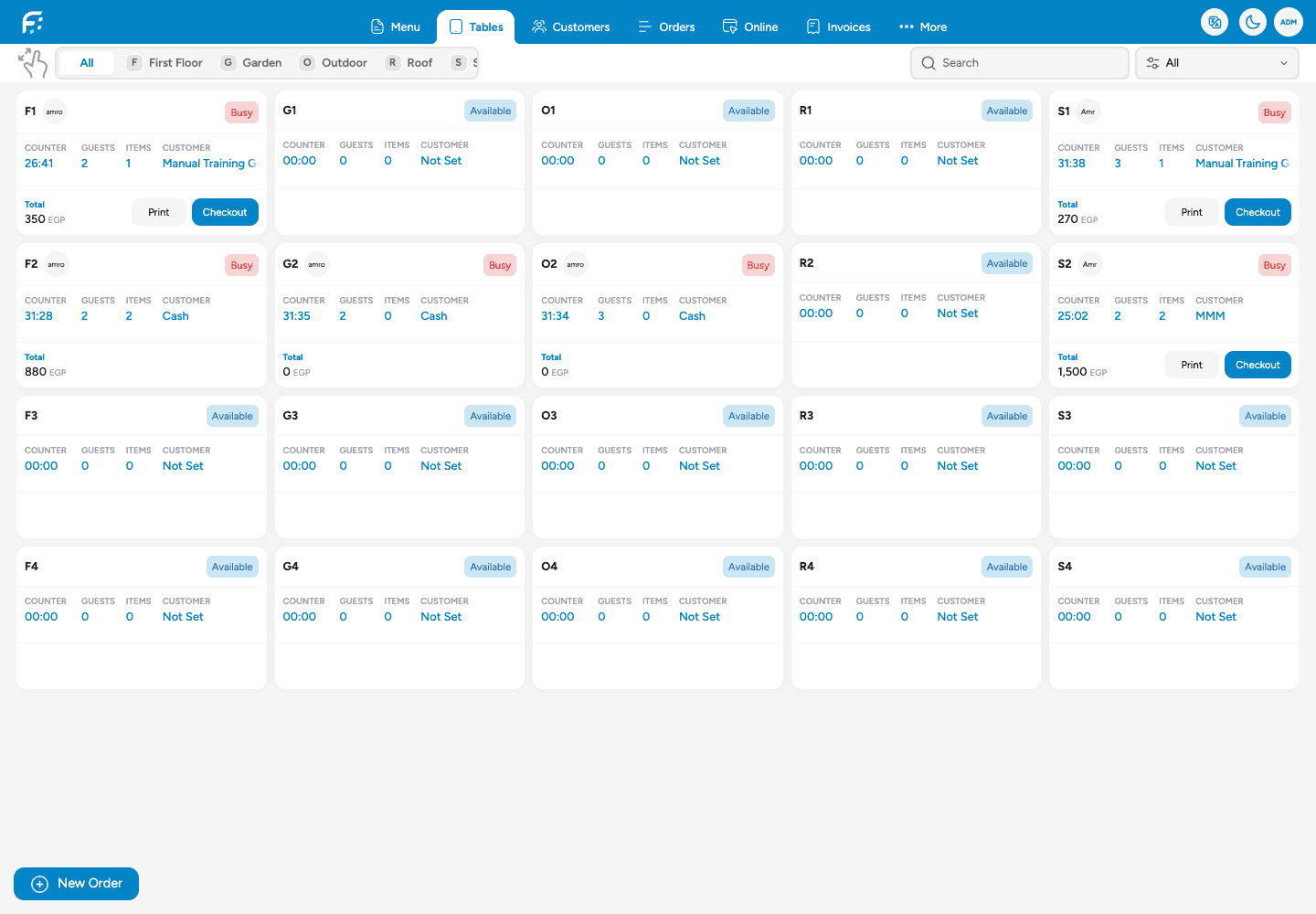
Connect table context and preparation with the orders the front-of-house team is handling.
- Table identityFind the order associated with the guest’s place.
- Preparation handoffUse the configured kitchen workflow.
- Service statusFollow the actual order stage rather than inferring settlement.
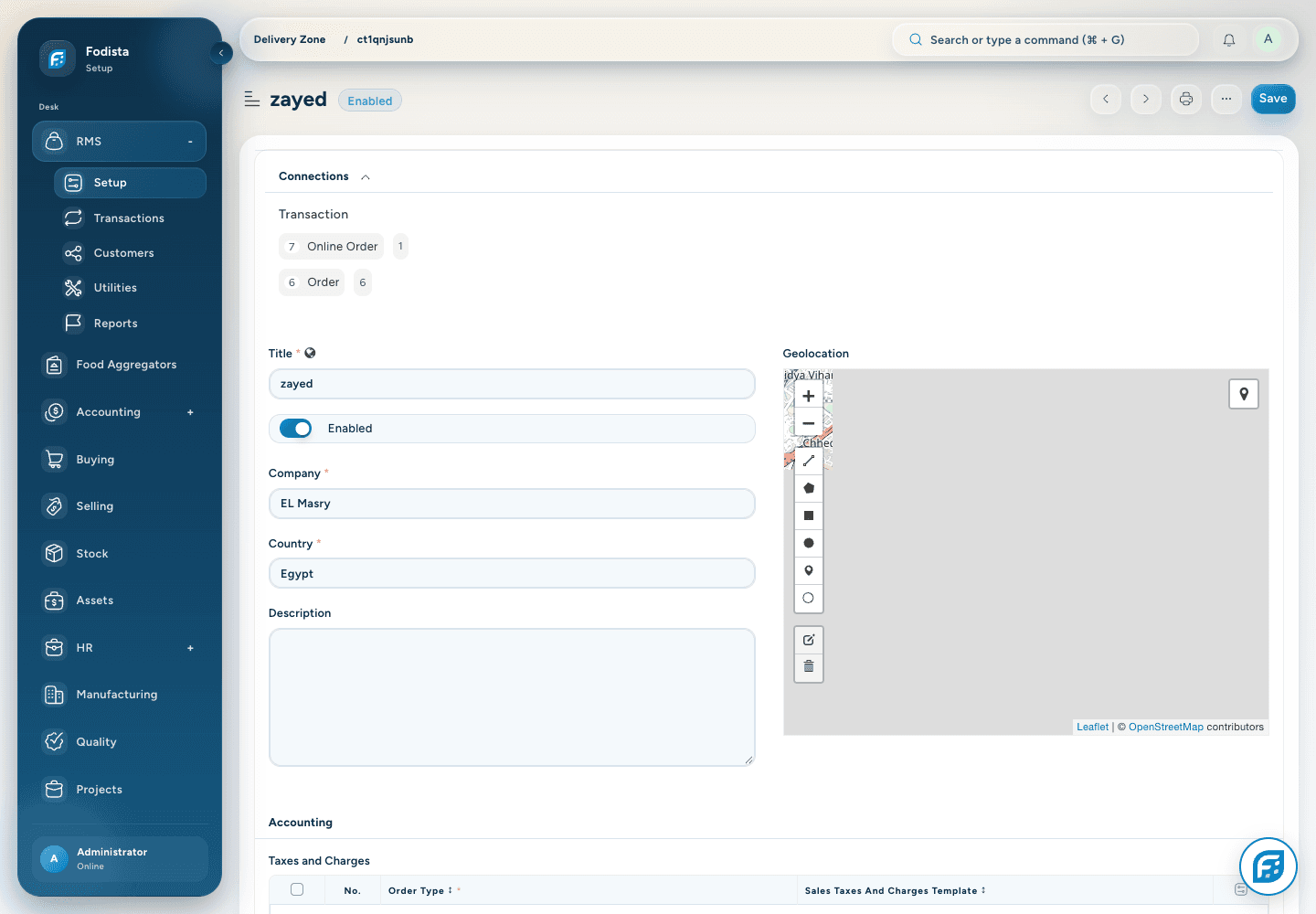
Delivery readiness
Know where you serve.
Know what can be promised.
Review delivery zones, branch availability, and the configured fulfillment requirements before accepting the request.
- CoverageUse the configured zone and eligible branch.
- TimingRespect hours, closures, and any required schedule.
- Connected recordKeep the destination and fulfillment context with the order.
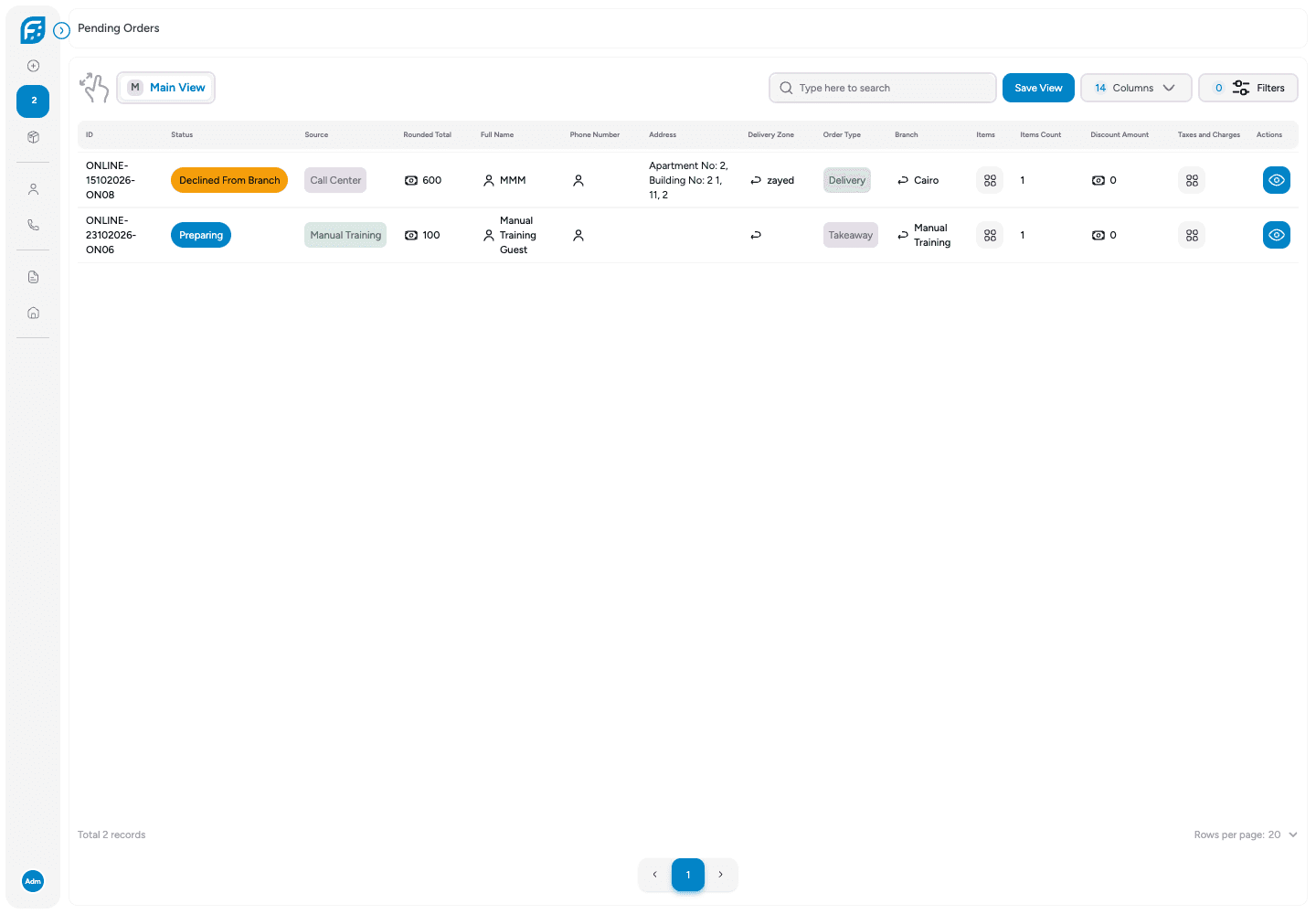
Sales channels
Bring each order source
into the same business.
Connect the supported POS, Call Center, online ordering, QR menu, and installed aggregator workflows to the operating records.
- Channel contextKnow where the order came from.
- Shared operationsUse the configured branch and preparation flow.
- Financial follow-throughKeep sales and settlement linked to the downstream records.
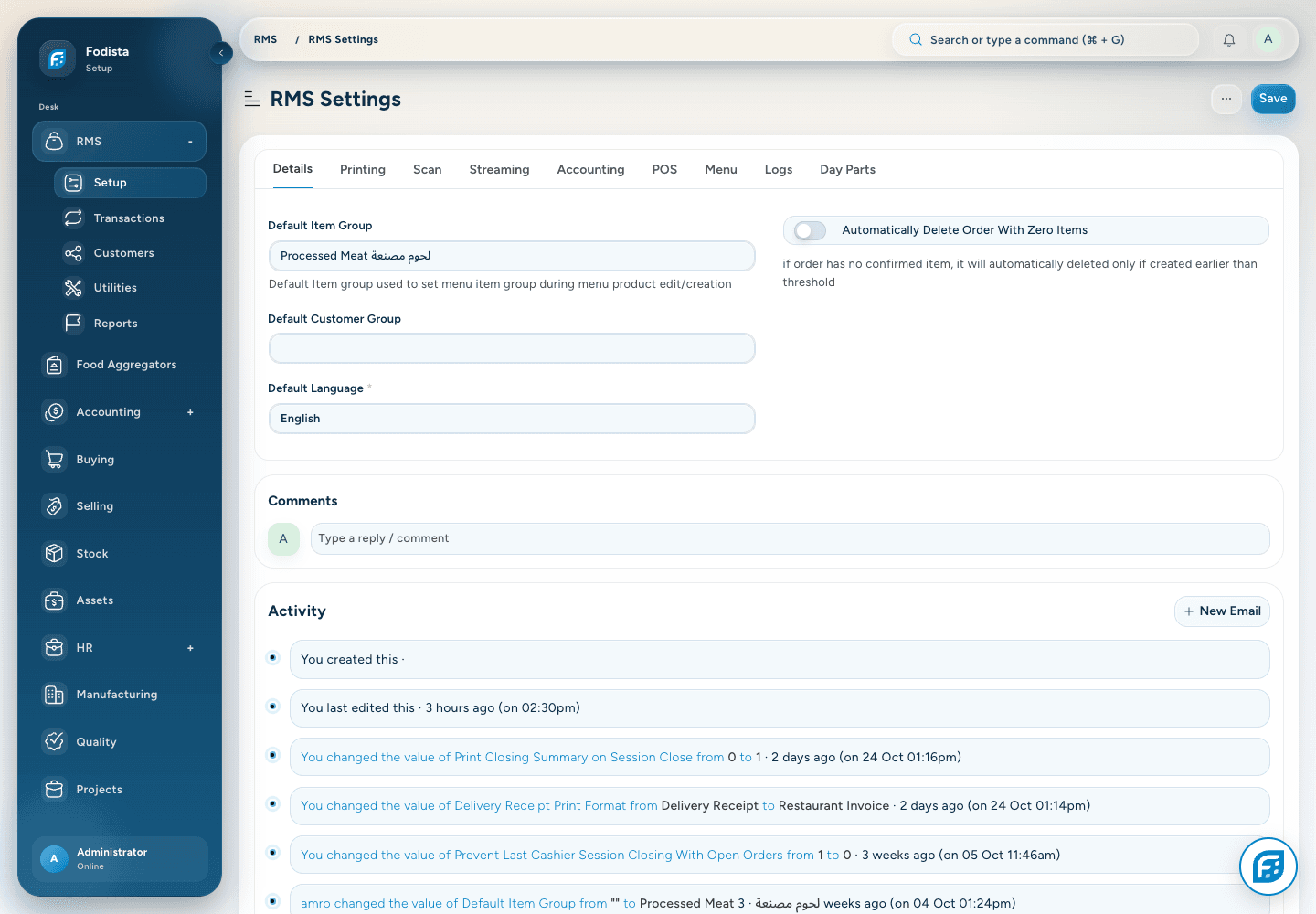
Roles and controls
Give each team
the right operating authority.
Use staff roles, branch context, and action permissions to keep sensitive actions with the people responsible for them.
- Defined responsibilitiesReview the staff and branch access in use.
- Controlled actionsDiscounts, corrections, and other actions follow the applicable permissions.
- A consistent setupUse saved configuration rather than informal workarounds.
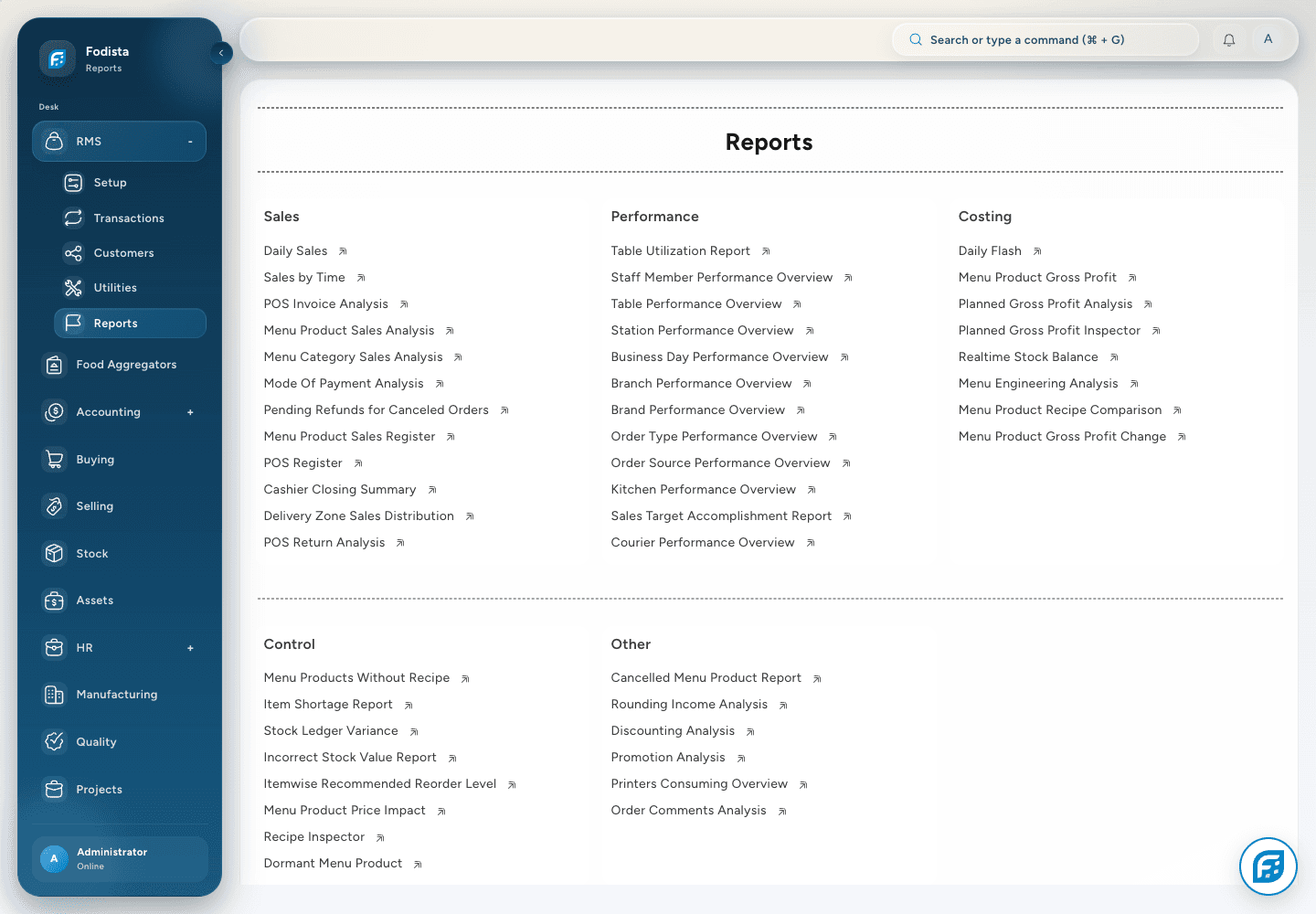
Operating and financial review
Ask the next question.
Follow the evidence.
Use restaurant reports to review products, channels, branches, and payments, then connect the result with accounting and stock.
- Sales analysisReview products, categories, order types, and branches under the selected filters.
- Cost and inventoryConnect operational questions to stock and recipe context.
- Financial perspectiveUse profit and loss, cash, receivables, and payables alongside service metrics.
CONNECTED WITH FODISTA
One operating picture. Better-informed decisions.
Connect restaurant decisions to the orders, costs, stock, and accounting records that explain their effect.
Product screens show demonstration data. Available workflows depend on your configuration and permissions.