
Business transactions → financial clarity · Accounting
See the business
behind the numbers.
Bring invoices, payments, ledger entries, and financial statements into a connected accounting workflow — with the source records close enough to investigate.
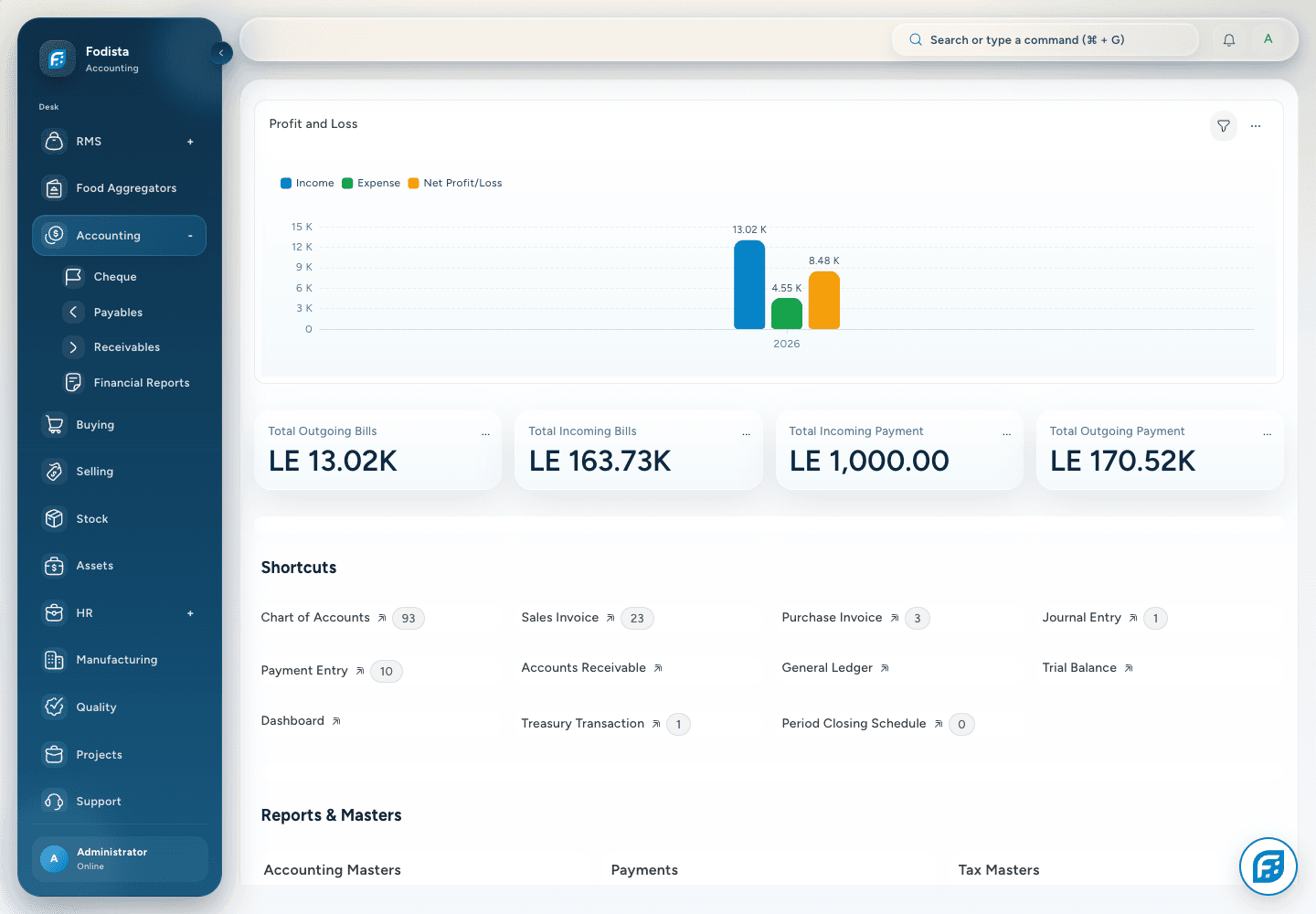
Connect the records
Follow the cash
Explain the close
Accounting foundation
Build the accounts
around the business.
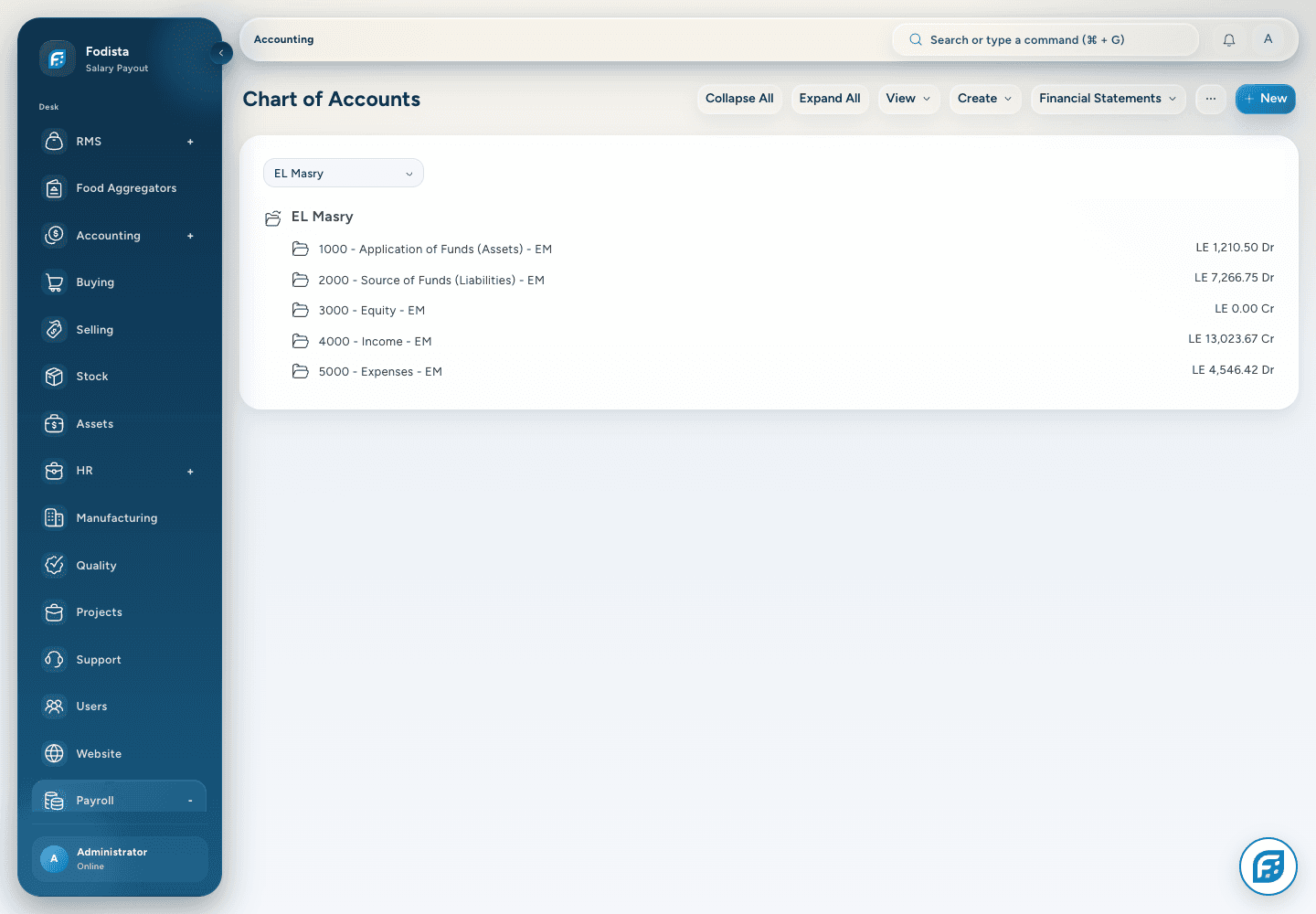
Keep the company, chart of accounts, fiscal periods, and dimensions aligned with the way the business needs to report.
- Company contextKeep financial records in the intended company and currency.
- Account structureUse the chart of accounts to classify the transaction.
- Reporting dimensionsConfigured cost centers and other dimensions add the required business context.
Revenue and receivables
Keep the sale
connected to what is owed.
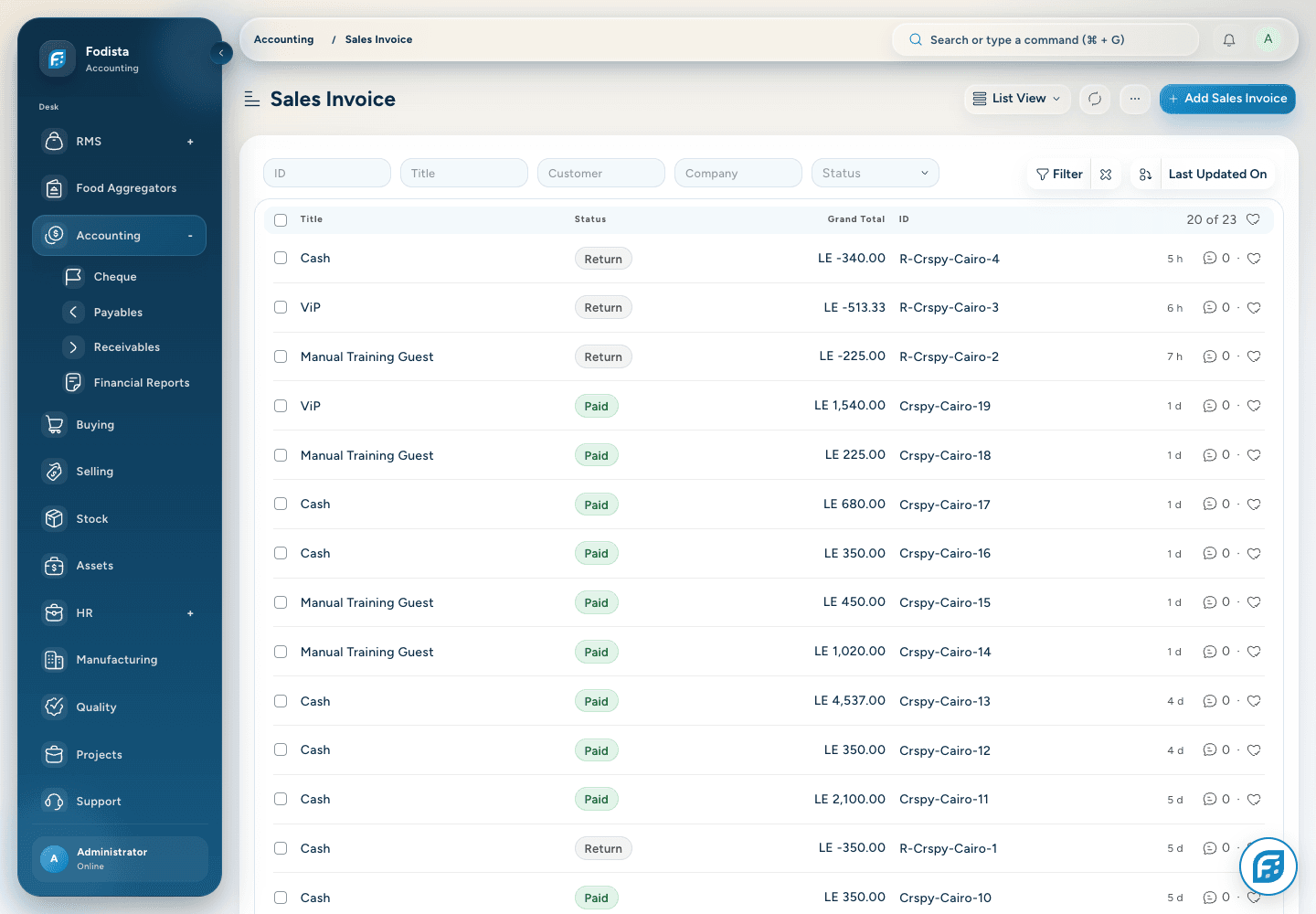
Follow sales invoices and their recorded customer balances from transaction detail into receivables reporting.
- A source documentReview invoice items, dates, taxes, and totals.
- Customer balanceKeep payment allocation connected to the party.
- Operational connectionUse the linked sales workflow when investigating an amount.
Supplier obligations
See the supplier bill.
Plan the next payment.
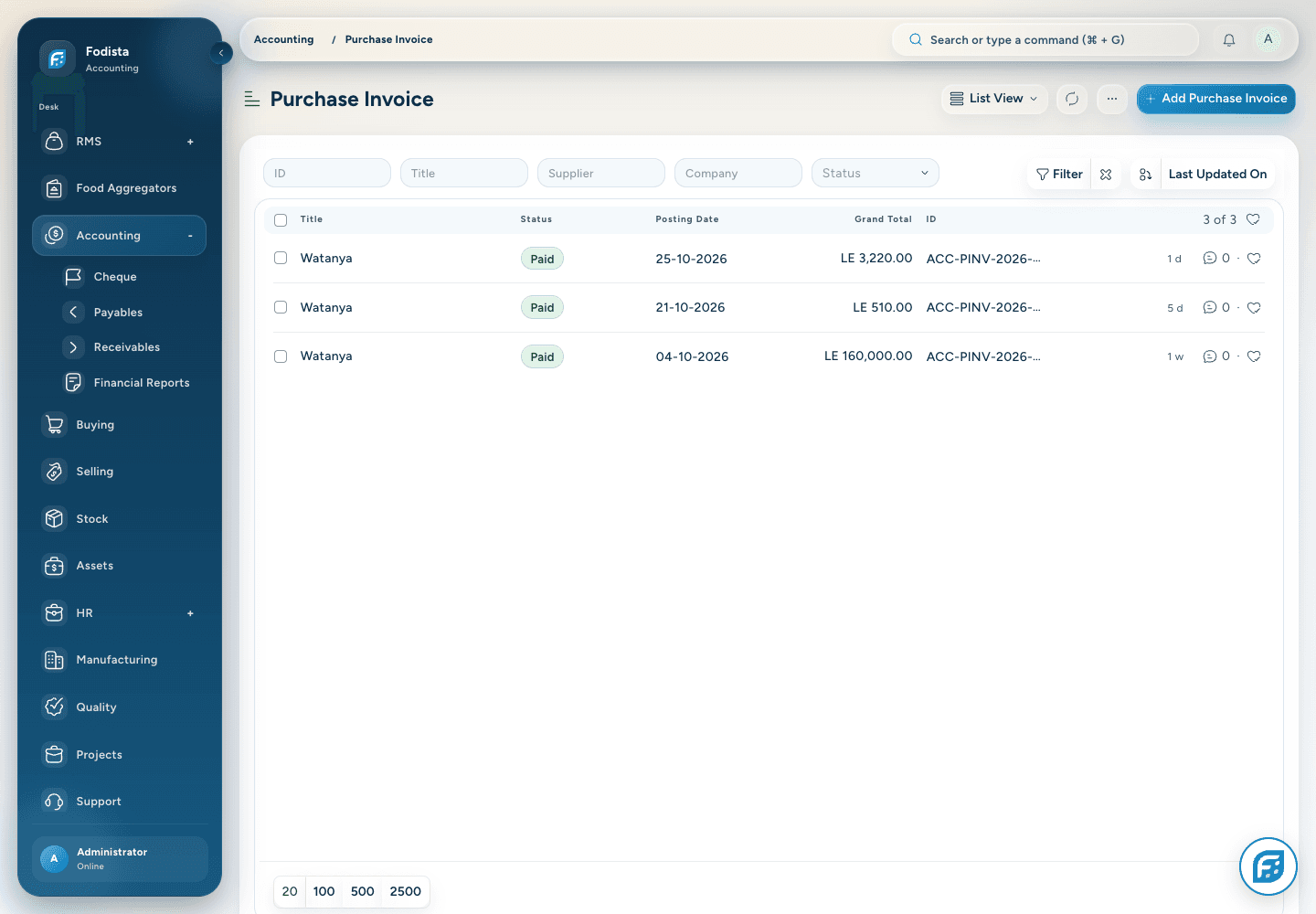
Keep purchase invoices and the supplier obligation together rather than rebuilding the position outside the system.
- Recorded obligationsReview the bill and its due context.
- Supplier historyFollow the related transactions for the supplier.
- Payables visibilityUse the appropriate report date and filters when reviewing what remains unpaid.
Payments and allocation
Follow the payment
to the balance it settles.
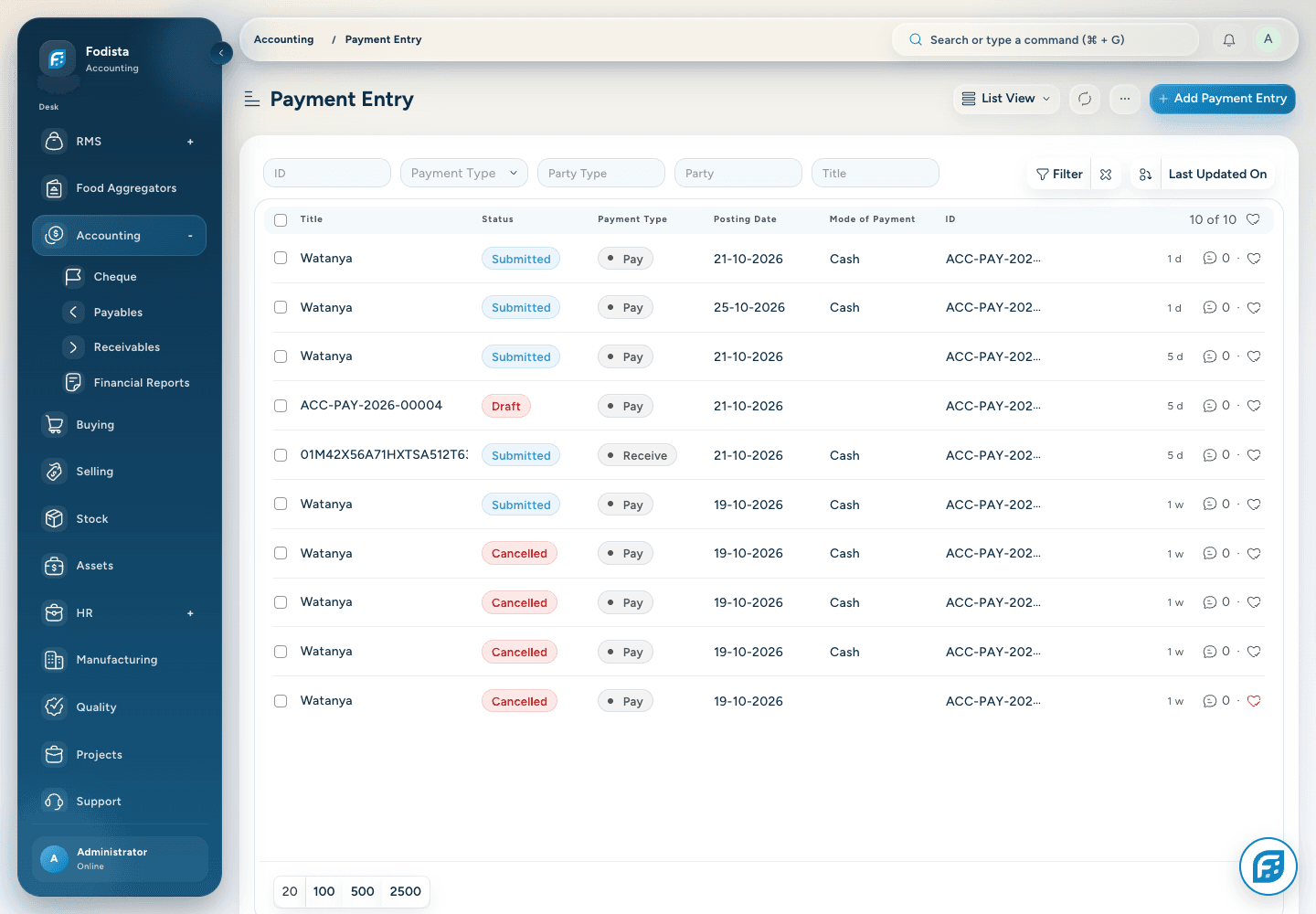
Use Payment Entry to record and allocate supported receipts and payments to the relevant party and references.
- Money in and outReview the payment type and accounts used.
- AllocationConnect the amount with the intended invoices or references.
- A traceable differenceInvestigate unallocated or outstanding value using the saved records.
Adjustments
Record the adjustment.
Keep the explanation.
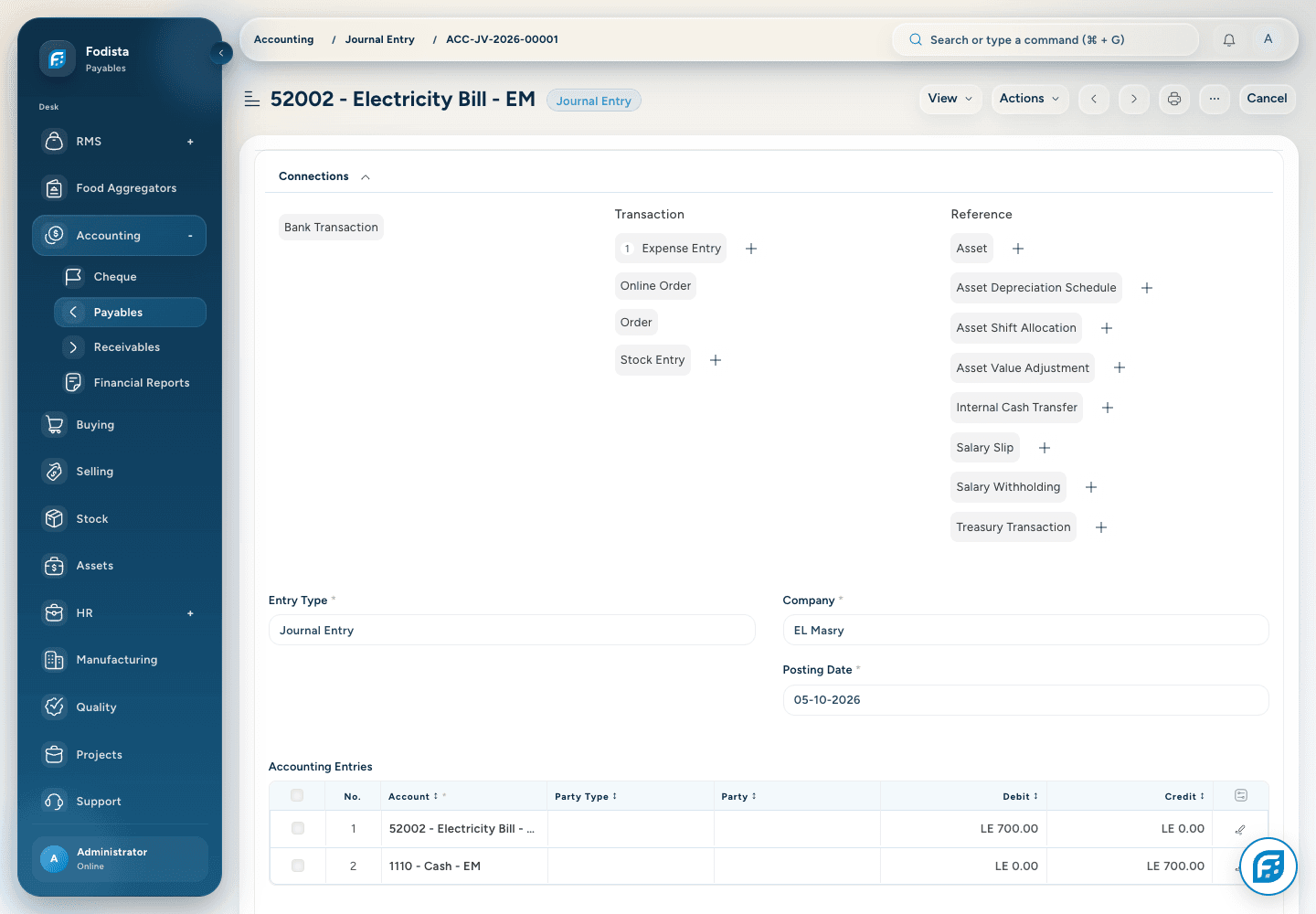
Use permitted journal entries for supported accounting adjustments, with the relevant accounts, dates, and references.
- Balanced recordsFollow the document’s accounting validations.
- Business contextRetain a useful explanation and supporting reference.
- Controlled postingSubmission and correction follow the configured accounting permissions.
The financial trail
Move from a balance
to its transactions.
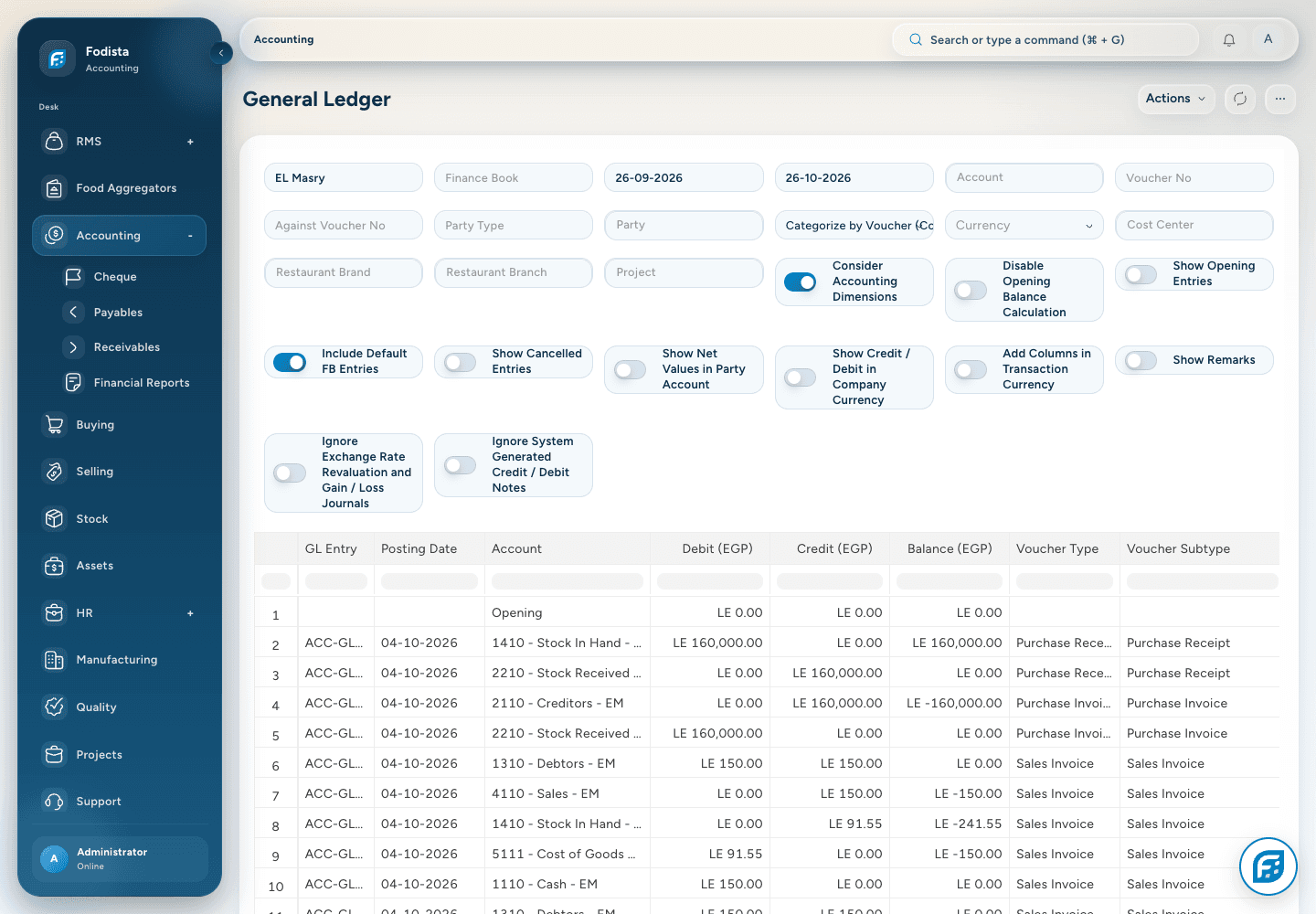
Use General Ledger to inspect the entries behind the financial result, under the selected company, period, account, and dimensions.
- Transaction detailRead debit, credit, party, and voucher context.
- Useful filtersNarrow the question to the relevant period and account.
- Back to the sourceFollow the voucher reference to understand the originating transaction.
Customer collections
See what is due.
Choose the next follow-up.
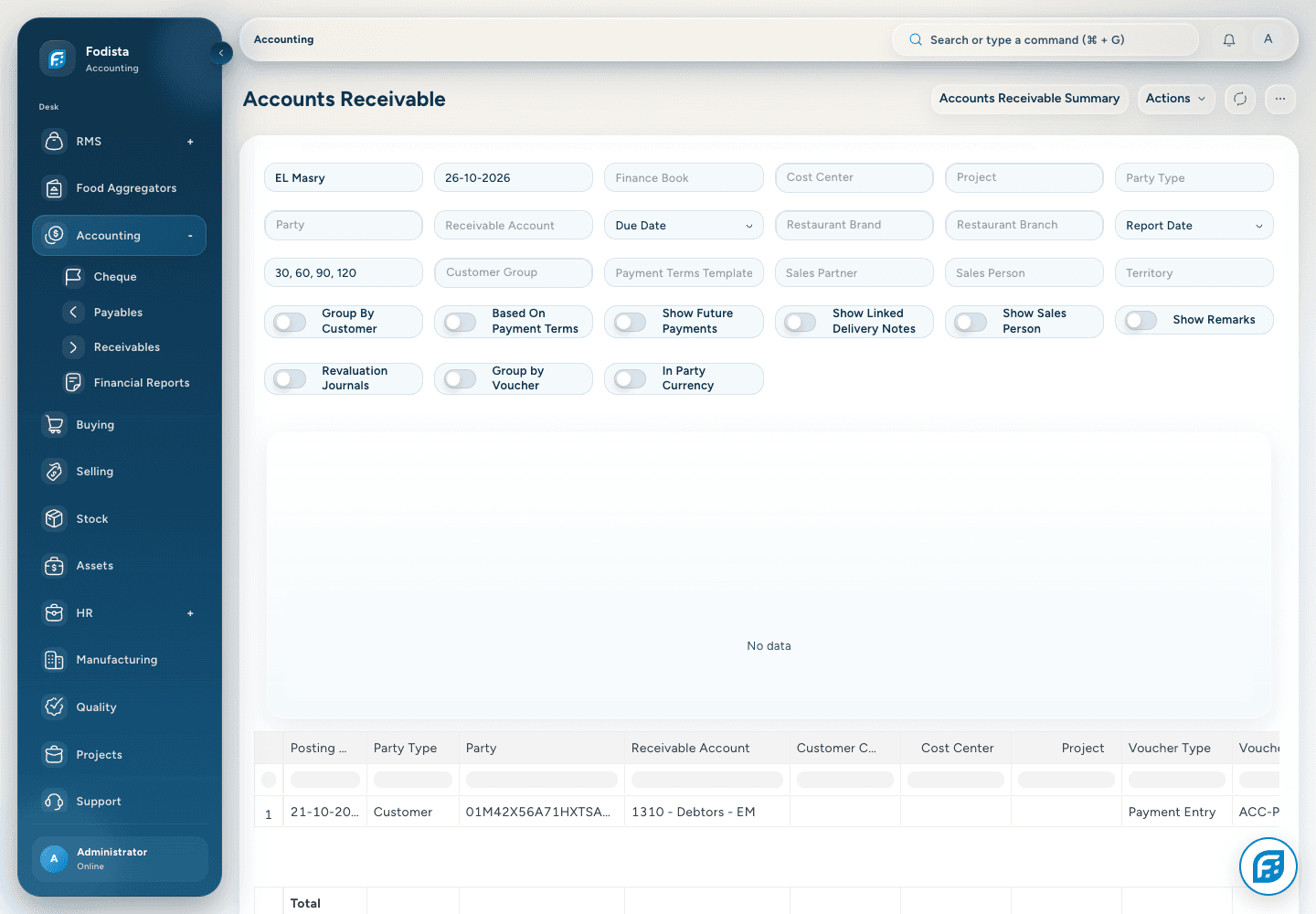
Use Accounts Receivable and its aging context to review customer amounts under the selected report date.
- Outstanding valueDistinguish an invoice total from the amount still outstanding.
- Aging contextRead the selected due-date or posting-date basis.
- Actionable referencesUse party and invoice detail for the collection conversation.
Supplier payments
Keep obligations
in the same view.
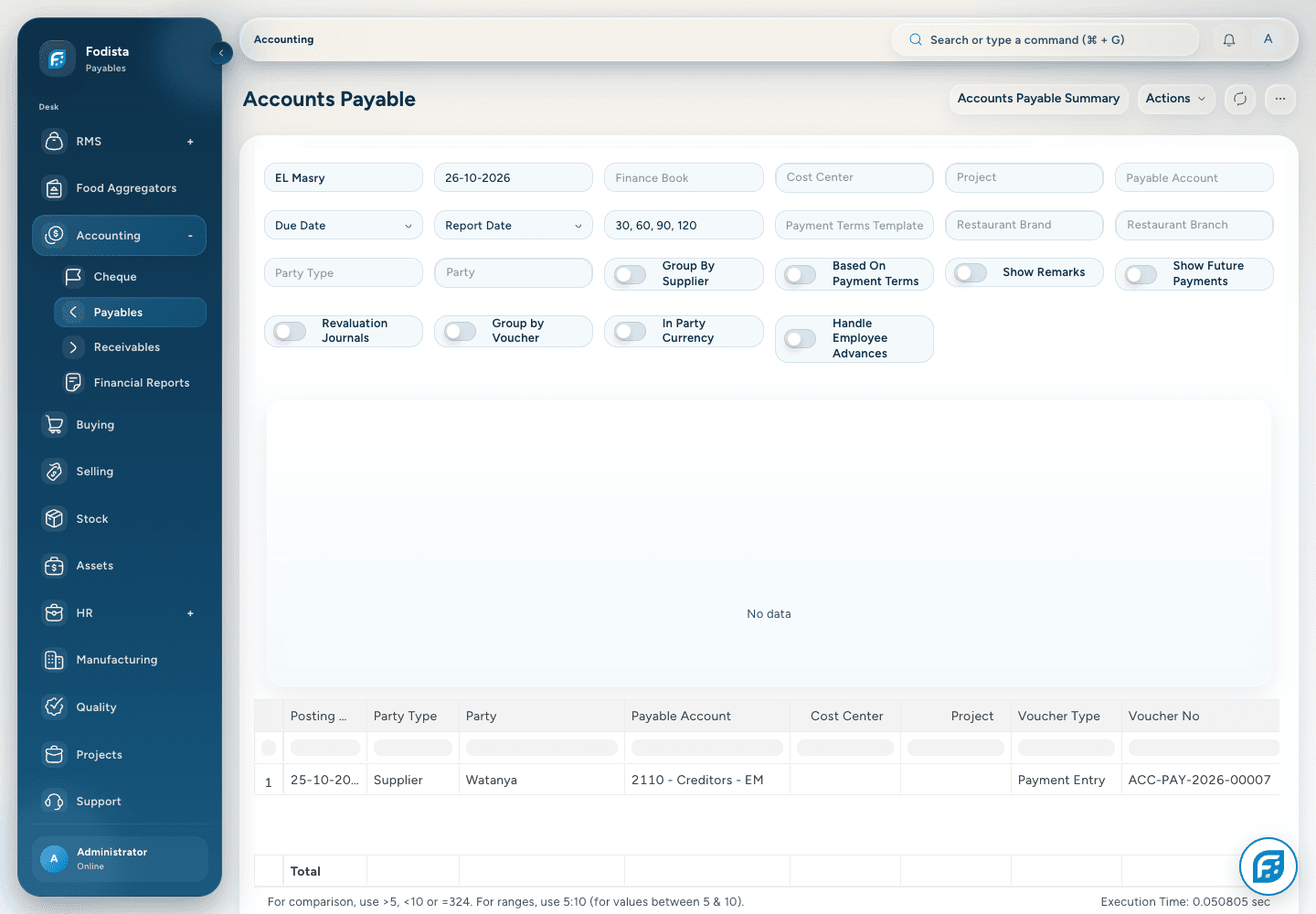
Use Accounts Payable to review supplier balances and the aging context behind the next payment decision.
- Supplier positionReview what remains outstanding.
- Timing contextUse the intended report date and aging basis.
- ReconciliationCheck the invoice and allocated payments when a difference appears.
Profit and loss
Explain the result.
Know what created it.
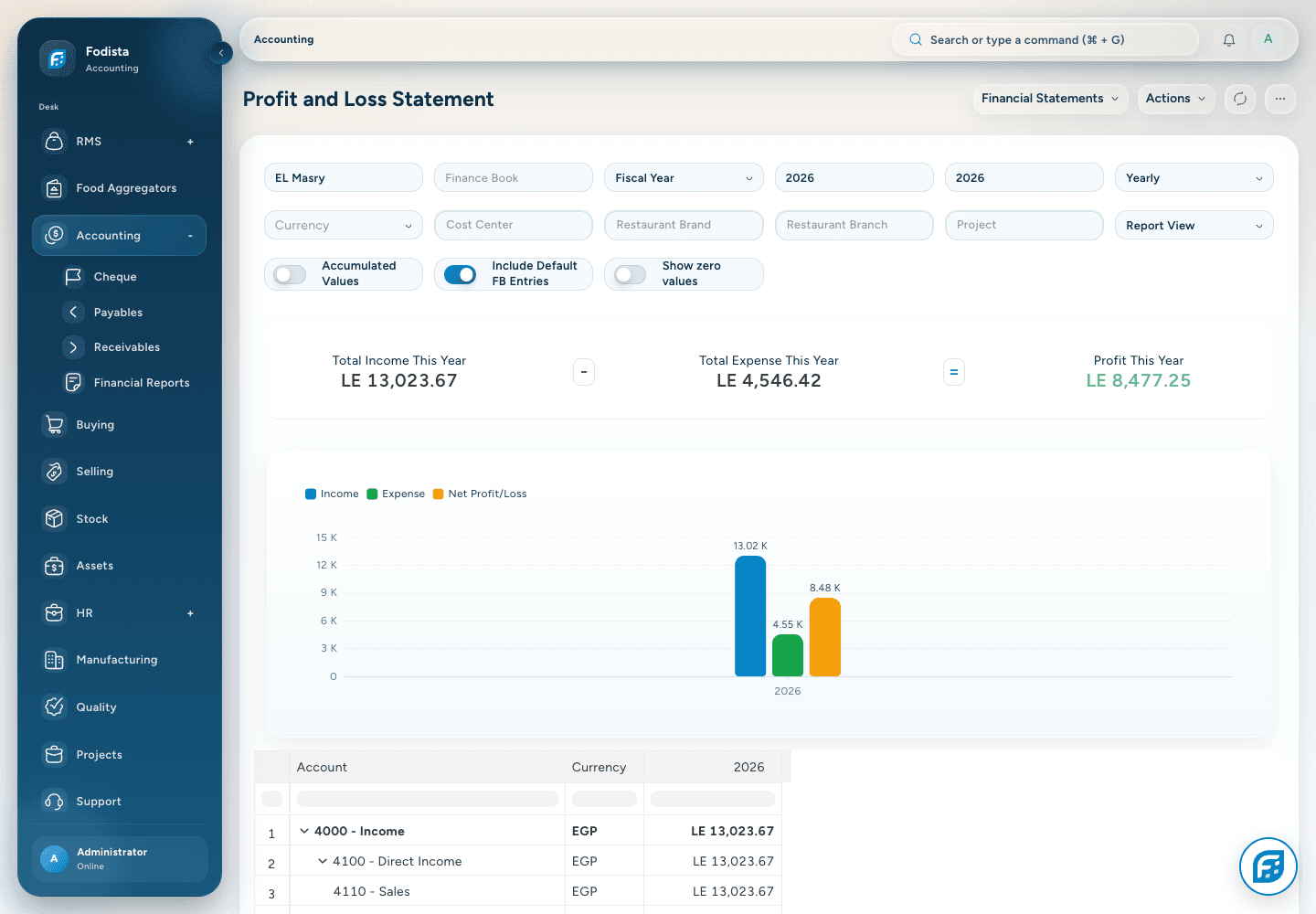
Review income and expense accounts over the selected period, and connect the reported result with the underlying business records.
- Period comparisonUse the available fiscal-year or date-range options.
- A connected resultRead revenue and costs together.
- Context mattersThe report reflects selected filters and posted demonstration records, not a customer outcome claim.
Balance sheet
See the position
alongside the performance.
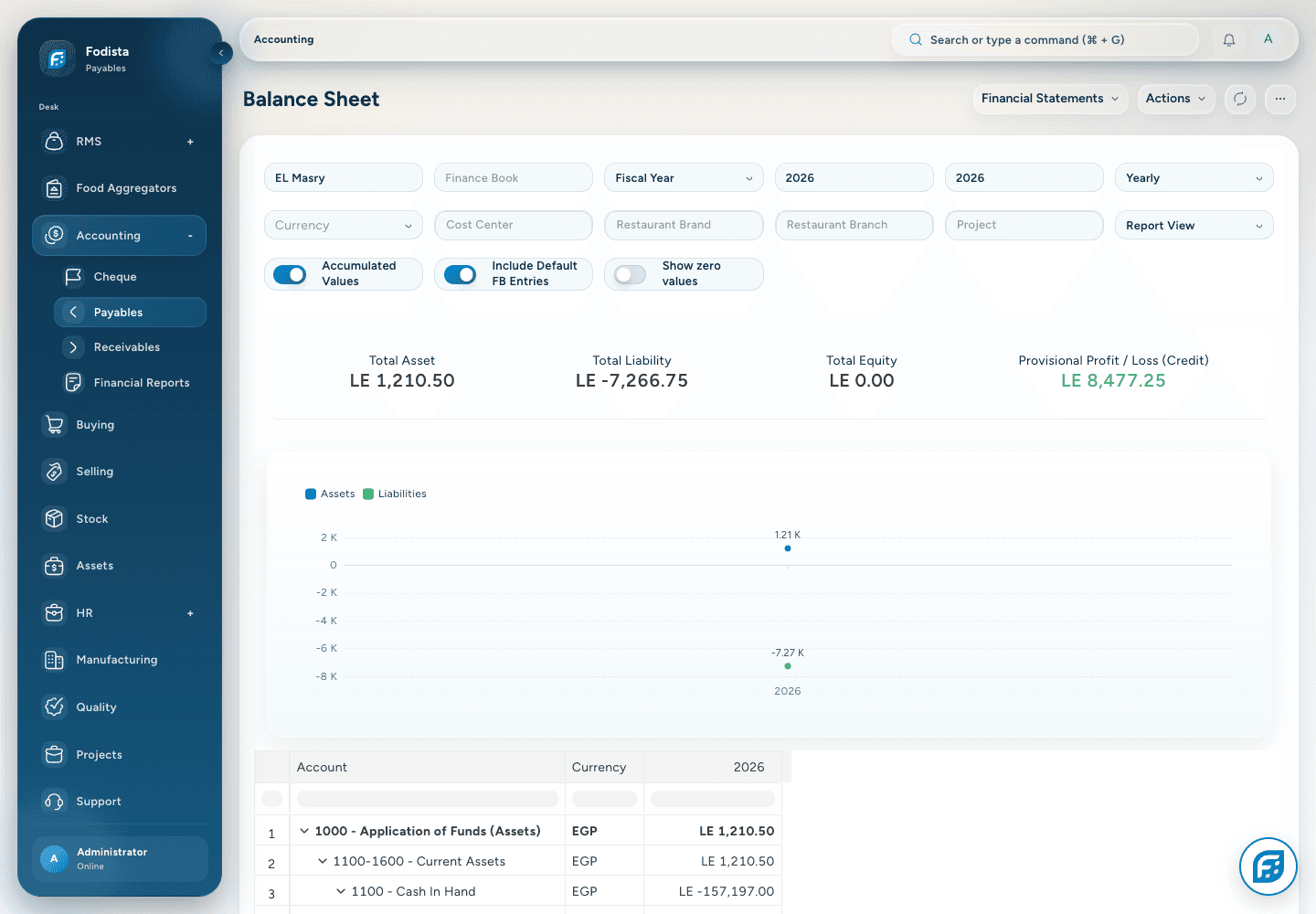
Use the Balance Sheet to review assets, liabilities, and equity in the selected company and reporting context.
- A financial positionReview the business at the selected reporting point.
- Underlying accountsFollow the contributing account balances.
- Connected reviewUse the position alongside profit and loss and cash-flow reporting.
Cash-flow reporting
Understand the movement
as well as the result.
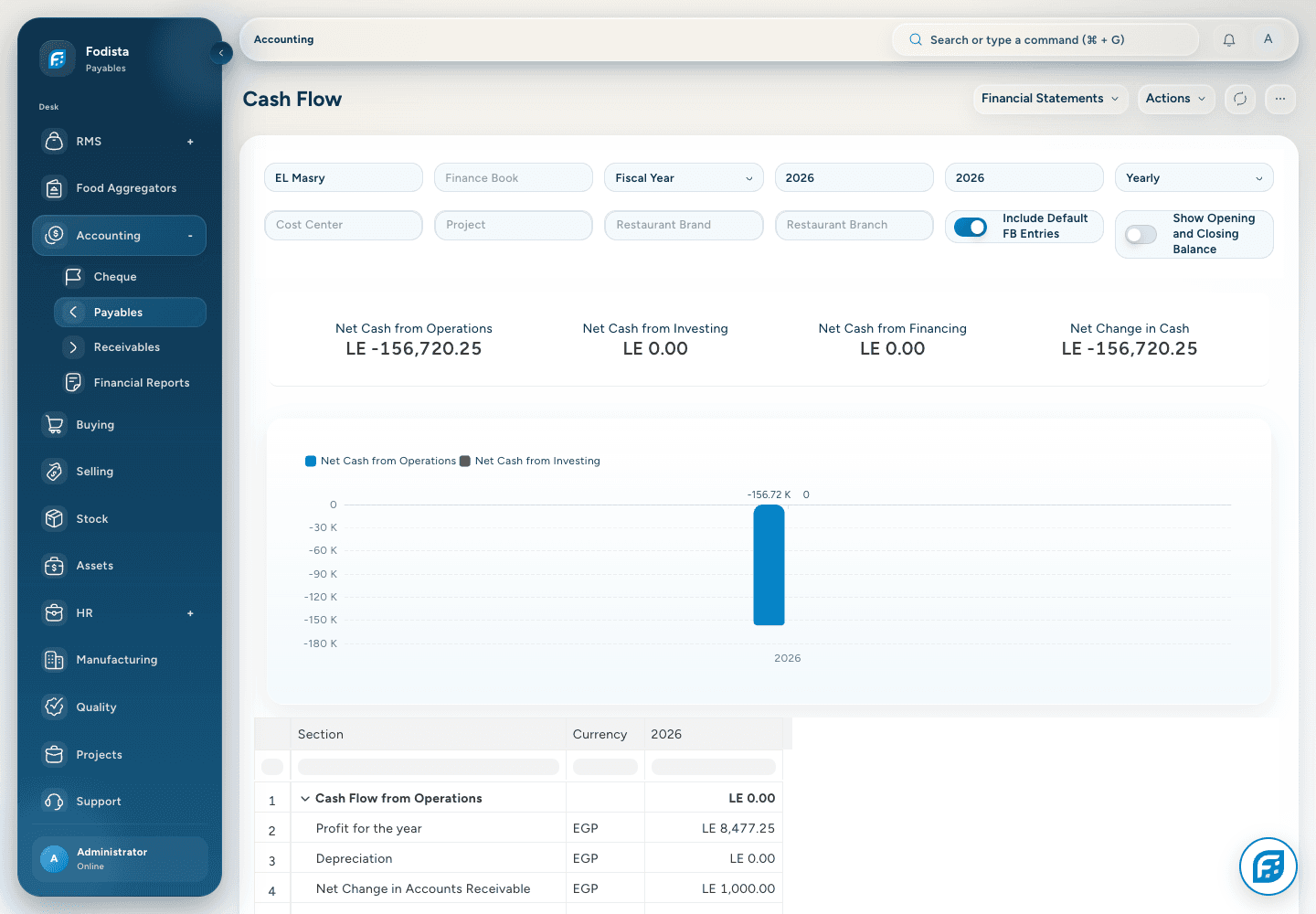
Use Cash Flow to review the reported movement across operating, investing, and financing activities under the selected period.
- Cash perspectiveA reported profit and a cash movement answer different questions.
- Selected periodCheck the fiscal and date filters before interpreting the result.
- Traceable contextReview the underlying accounts when investigating an amount.
Period review
Make the close
a connected review.
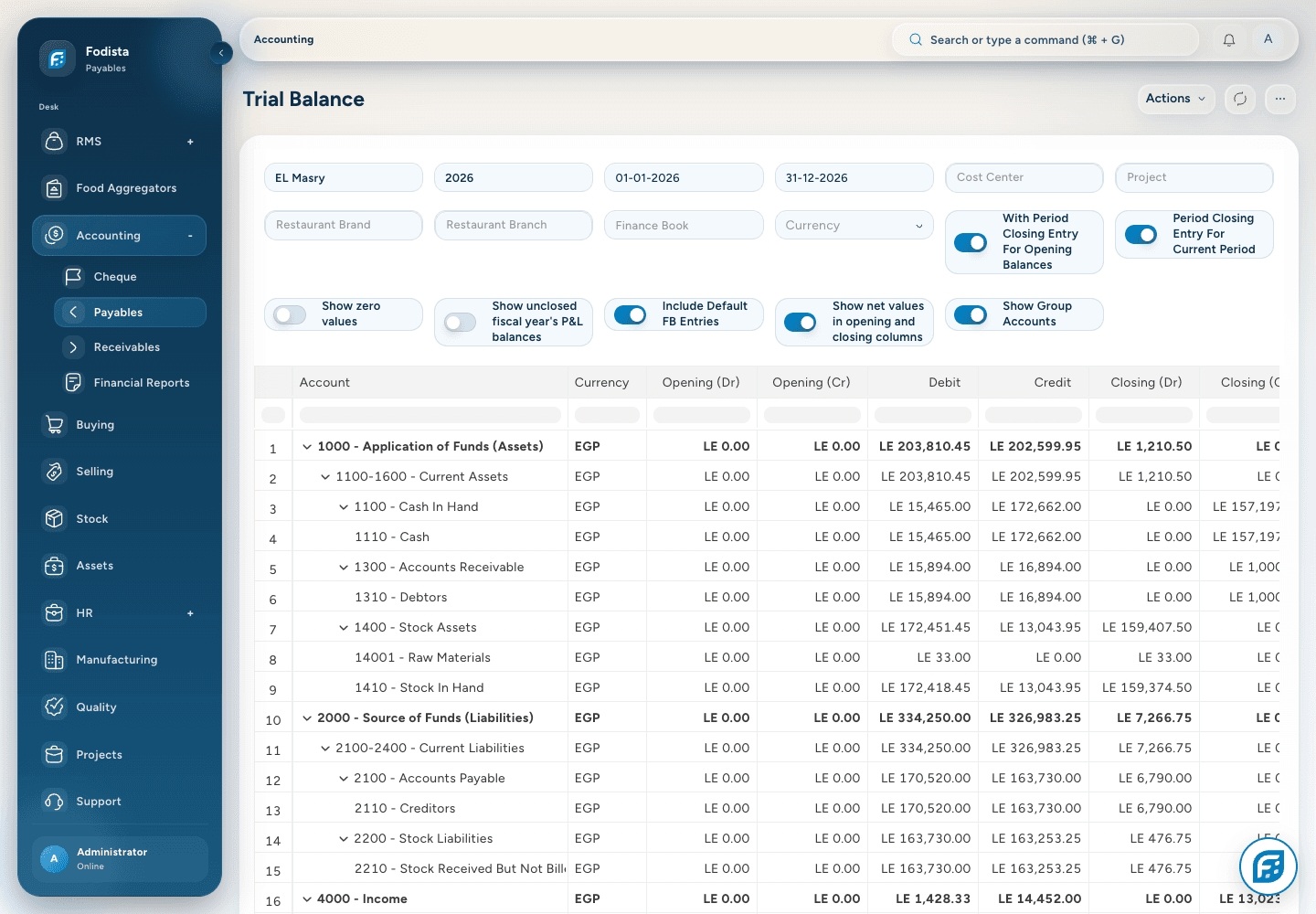
Use ledger, trial balance, financial statements, and the supported closing controls to review the period consistently.
- Balances togetherReview opening, movement, and closing balances.
- Consistent filtersKeep the company, period, and books aligned across reports.
- Supported controlsPosting permissions, periods, and configured closing workflows govern the final actions.
Business dimensions
See the branch.
Keep the financial context.
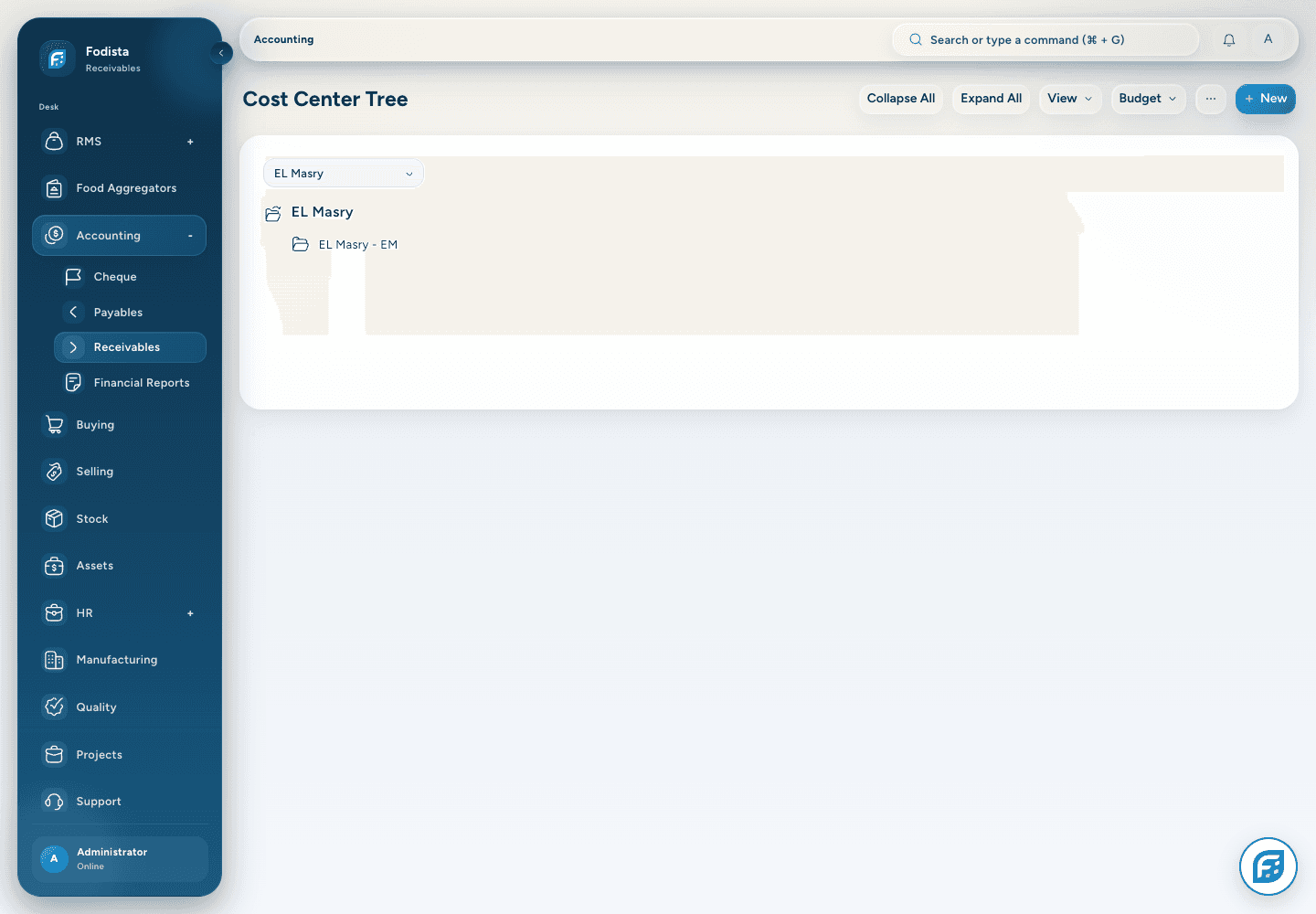
Use configured cost centers and accounting dimensions to connect financial review with the part of the business that created the activity.
- Useful classificationKeep the appropriate dimensions with the transaction.
- A focused reviewUse the available report filters and dimension context.
- Configuration mattersMandatory values and account behavior follow the implemented rules.
Tax configuration
Keep tax treatment
with the transaction.
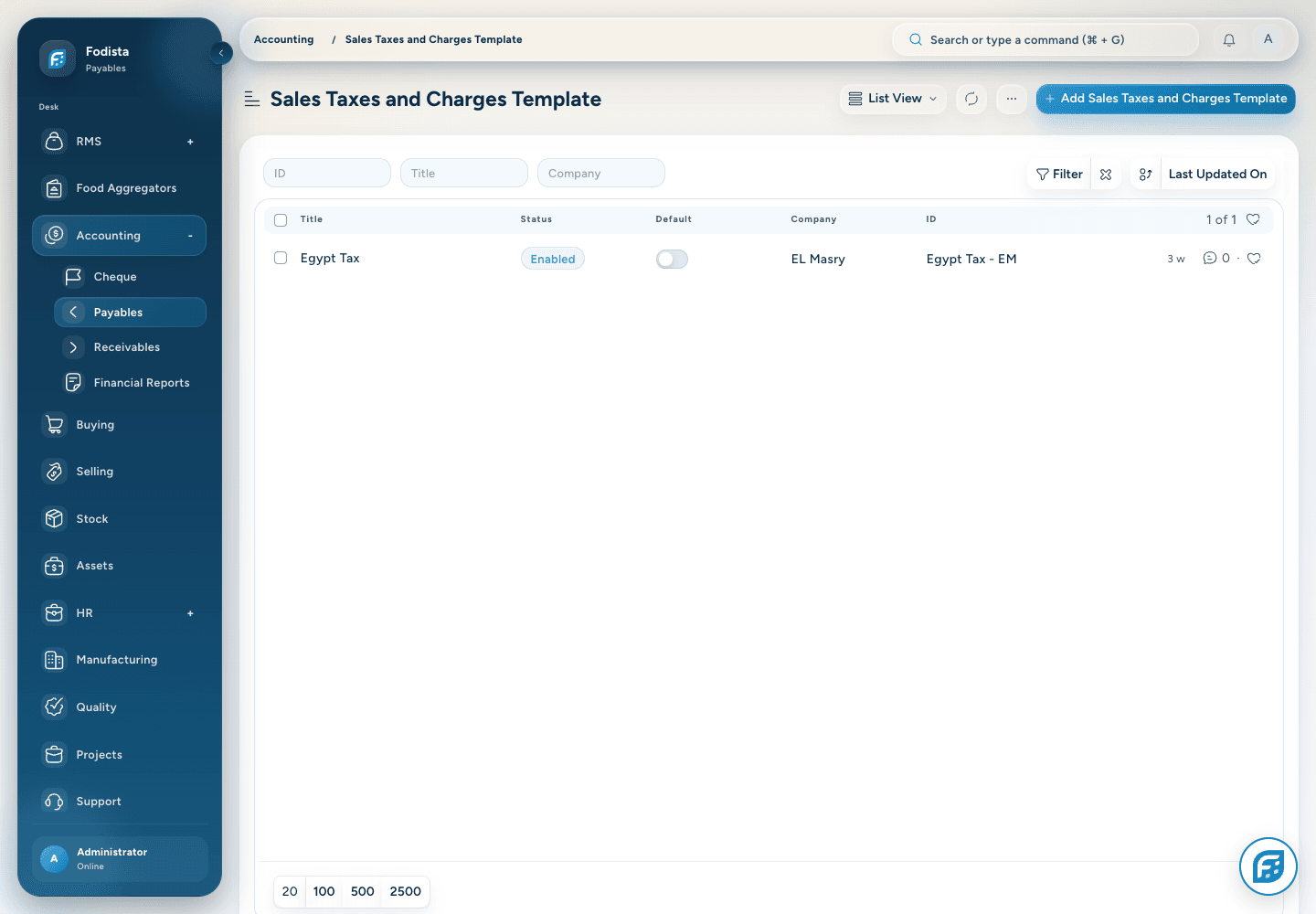
Use the configured tax accounts and templates to calculate and retain the tax details of the supported invoice workflow.
- Configured templatesKeep the relevant tax accounts and calculation basis together.
- Invoice detailReview the resulting tax amounts on the actual transaction.
- Local requirementsFiscal integrations and compliance outputs depend on the installed country setup.
Bank reconciliation
Bring the bank movement
back to its record.
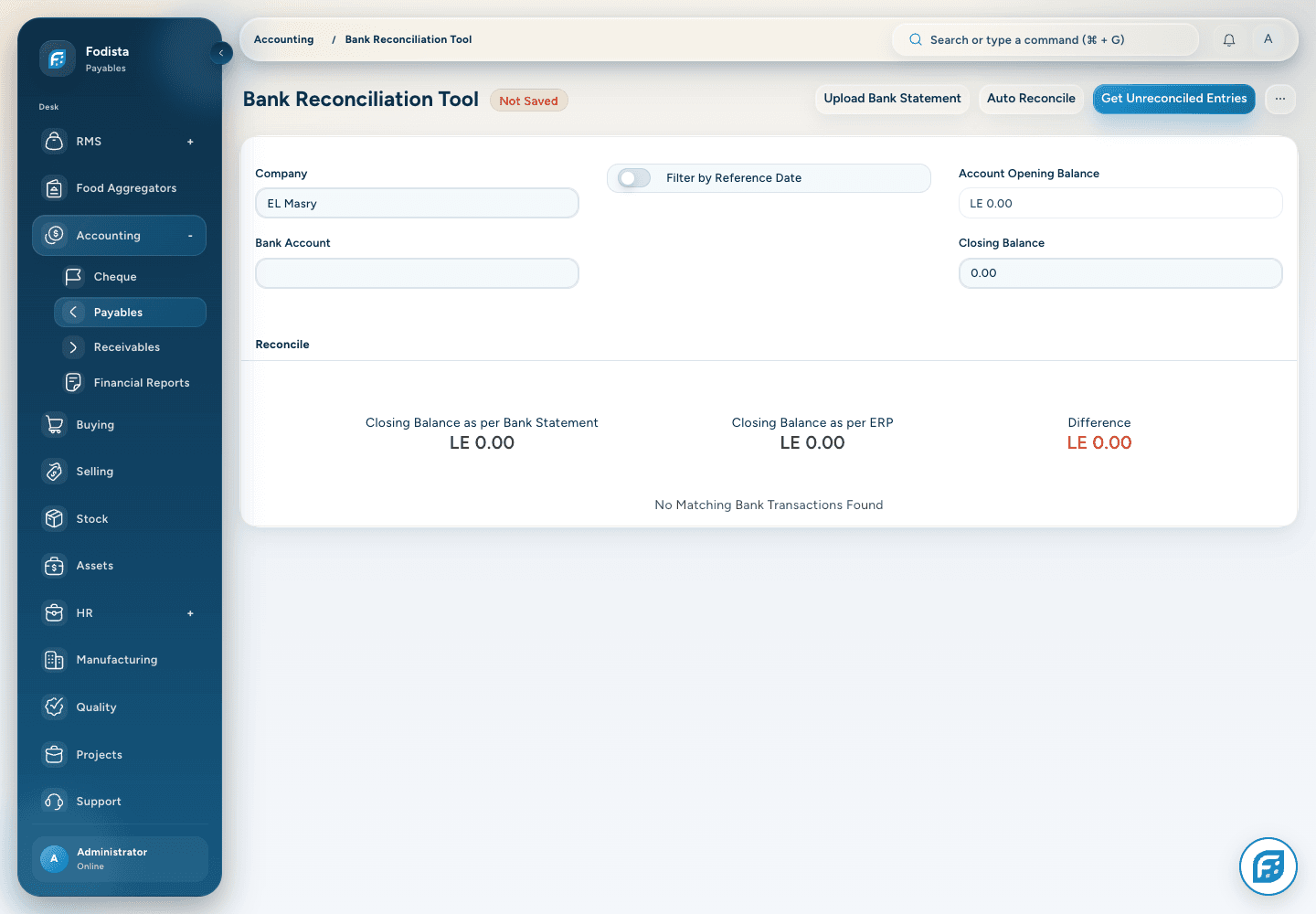
Use the installed Bank Reconciliation Tool to review and match bank transactions against supported financial vouchers.
- The right accountSelect the bank account and period being reviewed.
- A recorded matchUse supported matching and reconciliation actions.
- An explained differenceInvestigate unmatched entries using their source references.
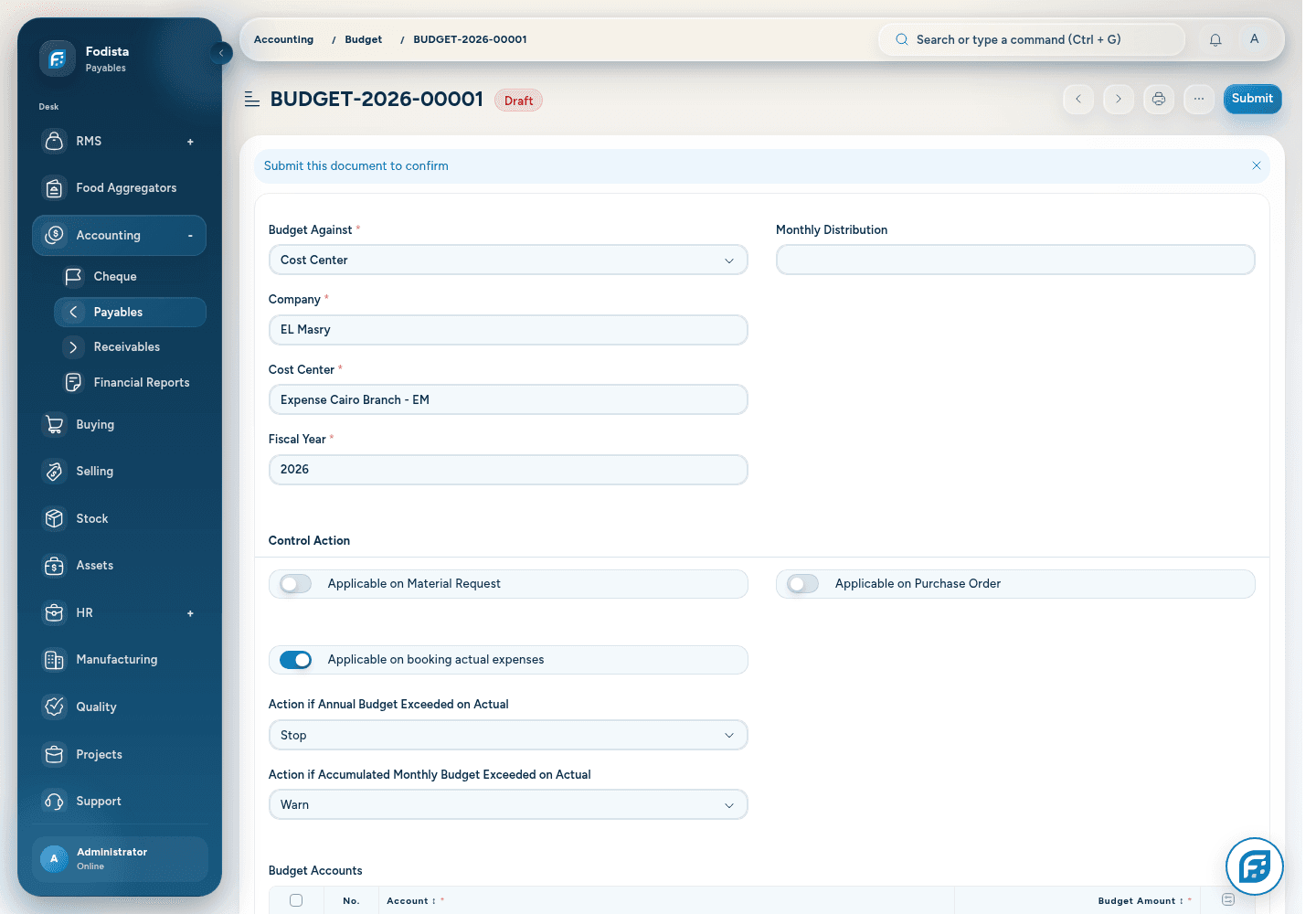
Budget control
Set the plan.
Compare the recorded activity.
Use the installed budget configuration and related reporting to organize the approved financial plan by the supported business context.
- An explicit planChoose the relevant fiscal year and business dimension.
- Defined accountsKeep budget amounts with the intended accounts.
- Configured controlsWarnings and restrictions depend on the budget policy in use.
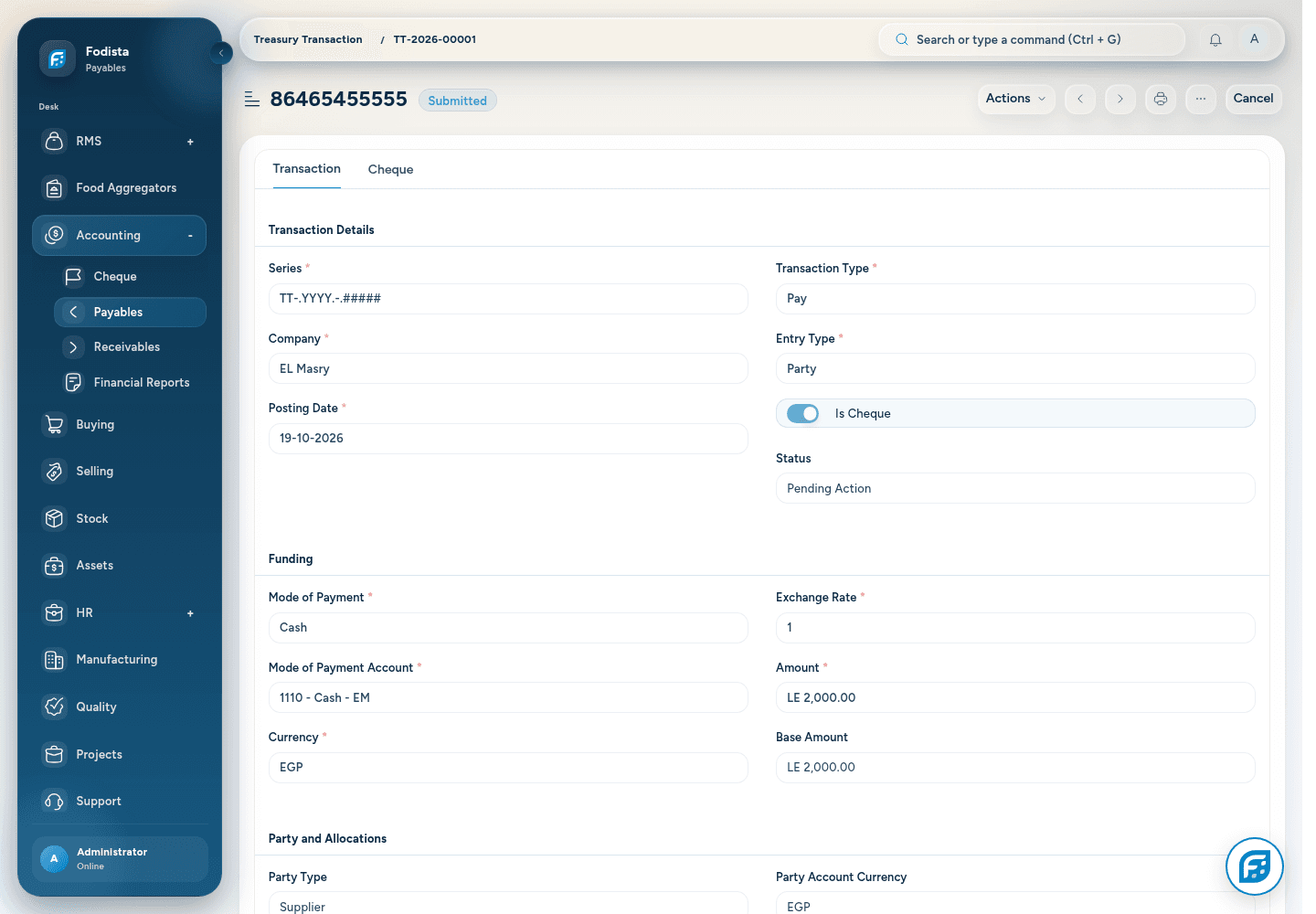
Treasury movements
Keep treasury activity
in the financial trail.
Use the installed Treasury Transaction workflow to retain the movement, account context, and references behind supported treasury activity.
- A defined transactionKeep the financial movement in a saved record.
- Relevant referencesReview the account and source context.
- Controlled handlingAvailable actions follow the implemented permissions and setup.
Cheque handling
Follow the cheque
through its configured cycle.
Use the installed cheque module to track the instrument and its supported clearance workflow alongside the relevant accounting records.
- Instrument identityKeep the cheque and its references together.
- Lifecycle visibilityReview the configured handling and clearance states.
- Implementation scopeBank and cheque workflows must match the company’s actual configured process.
CONNECTED WITH FODISTA
From transaction detail to a clearer close.
Give owners and finance teams one connected route from the operational event to the financial statement.
Product screens show demonstration data. Available workflows depend on your configuration and permissions.